Blog
Filter categoryCategory
Unlock your printing potential

Technical Printing
|16 Jun 2021
In an industry perpetually pressed for time, an efficient and reliable large-scale printer plotter that can translate CAD drawings, technical drawings, and plans on to paper instantaneously and on demand is vital.
From an IT perspective, the requirements are a little different. The top concerns among IT teams are:
- Connectivity capabilities
- Security for documents and data
- Ease of use
- Speed of printout delivery
With so many brands and models in the market, how do you choose the printer plotter that meets the needs of IT teams, creatives and engineers alike? The following are some important things to consider.
Many print businesses that define themselves as specialists in wide-format printing now run multiple printers—both roll-to-roll and flatbed—and often with a variety of latex, aqueous, UV, and solvent inks.
Sometimes this also means tussling with several different RIP solutions driving those printers. And that’s just the print process—there’s also print finishing to consider. It’s a complex world, and that’s why print businesses are focusing on efficiency like never before.
Continually seek out ways to make improvements
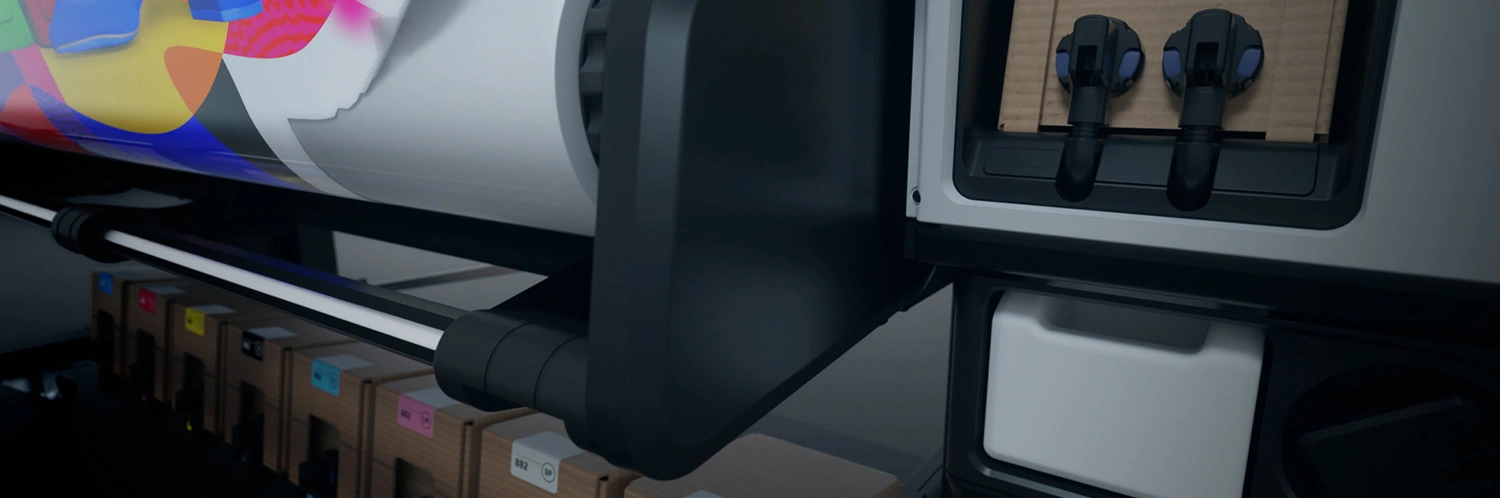
Communication with your staff is vital

Audit your current print production
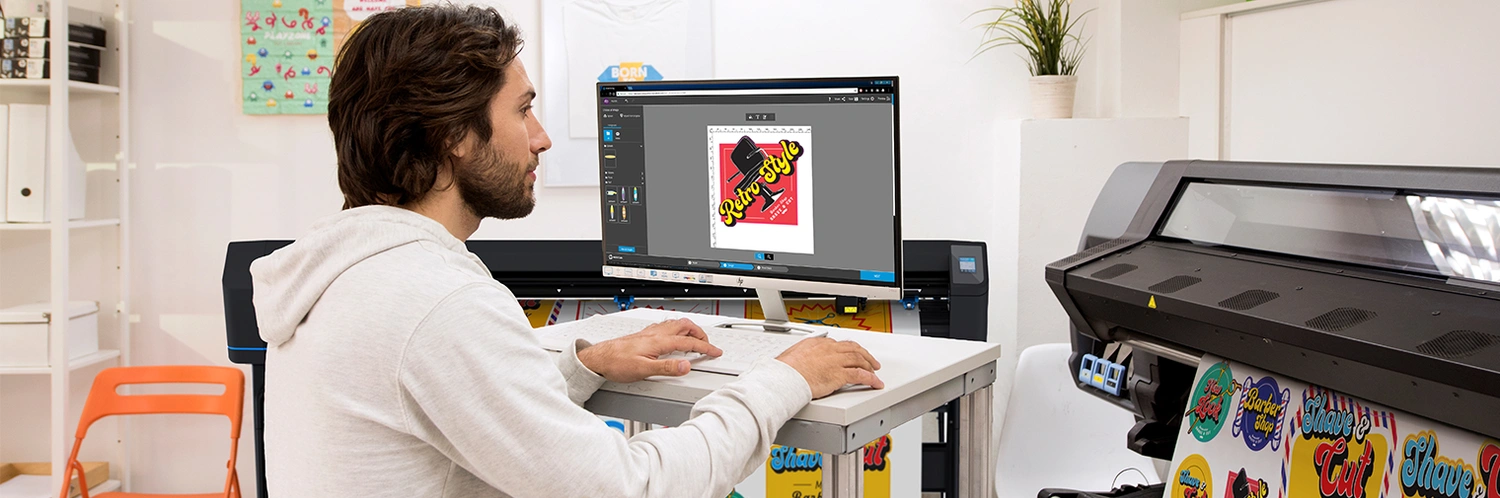
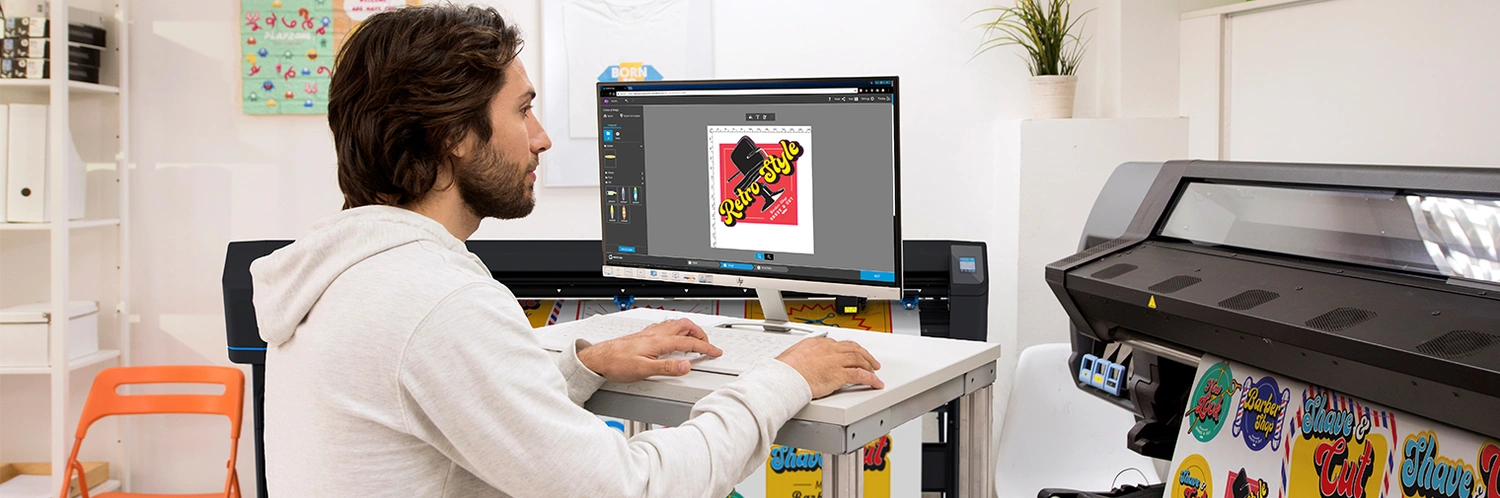
Consider consolidating your RIP solutions
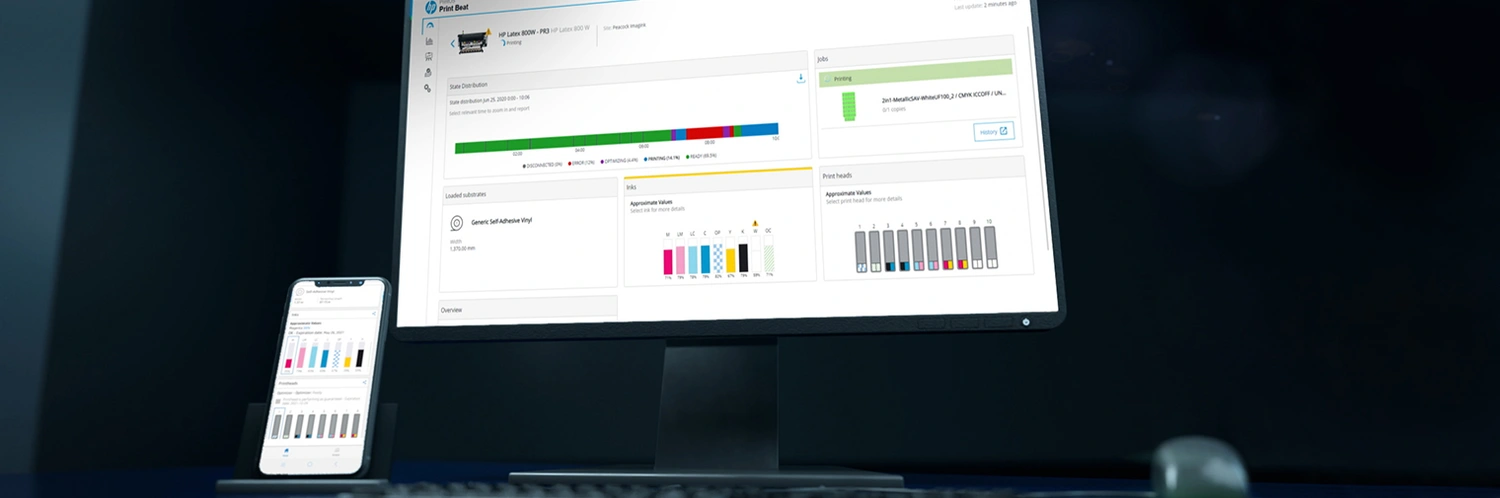
Embrace connected printing to eliminate wasted time
Connect online orders and production
Some corners of the print industry have been faster than others when it comes to embracing the digital world. Where does your business stand? One step in the right direction is to connect your e-commerce platform and/or online orders with your production capability.
That will enable you to move into a more seamless printing process, saving you valuable time and money. The digital economy is thriving and you should make sure you’re set to take advantage of the opportunities it offers.
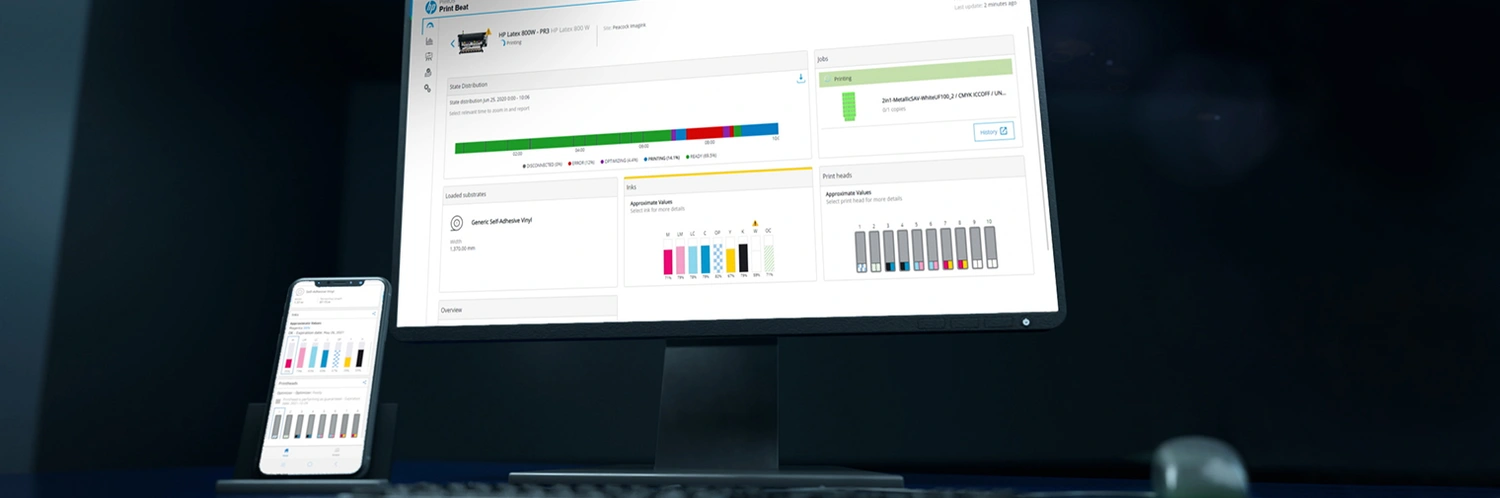
Consider existing tools that can help to eliminate wasted materials

Don’t accept mistakes, demand excellence
Mistakes happen, but accepting them makes errors more likely and numerous small errors can quickly become a significant cost. Understanding where the mistakes are happening is critical; you can then figure out how they can be reduced as there are lots of things you can do to ensure the best quality work, every time. For example, printing multiple substrates—both flexible and rigid—with a single
technology will help to ensure color consistency and quality across an entire print campaign. And you could also look at your workflow process: anti-scratch prints don’t need laminating for short-term applications— removing one step of a typical workflow—and instantly dry output would reduce your print production time as it doesn’t need outgassing.

Automate labor-intensive processes and maintenance
Using automated solutions to replace manual processes can save print providers time and money. For example, the routine maintenance of printheads and white ink cartridges can be time-consuming, labor-intensive, and impact your overall productivity.
Using an automated solution not only reduces your business’s manual labor hours but prevents more costly delays in the long term—such as waiting for a technical service intervention to replace your printheads.

Teamwork makes the dream work
Staff that are used to doing things a certain way might be resistant to change. Again, this is where good communication is key. If they know why the changes are being made, were involved in the decision-making process, and are subsequently trained in how to make those changes, then they are more likely to transition effectively and embrace these new production efficiencies.

You Might Also Like
Why Blueprints Beat Screens for On-Site Work
Showcasing Sustainability to Win Green Projects
How a Fast Plotter Helps Filipino AECs Win More Contracts

How HP Plotters Reduce Printing Costs

Differentiating Services With High‑Quality Presentation Prints

Architectural Board Printing: Best Practices for Professional Results

How to Print Site Context Diagrams for Presentation Boards

How to Print With Lineweight Control for Structural Drawings

A0 Size Printers: Best Models and When to Use Them

How Large Format Plotters Help Reduce Rework on Construction Sites

Difference Between Digital Printing Posters and Large Format: What You Need to Know
3 Paper Waste Reduction Strategies in Large Format Printing

Top 5 Printers for Artists: High-Quality Prints for Fine Art

What Is a Wide Format Printer?: A Beginner’s Guide to Large-Scale Printing

Preparing Files for Large Format Printing: A Step-by-Step Guide
Best Printers for Illustration Prints: Top Picks for Artists and Designers

How to Optimise DPI in Photoshop for Large Format Prints

3 Best Practices for Large Document Conversion for Print

Understanding As-Built Drawings and Why They Matter

3 Ways Large Format Plotters Streamline Construction Submittals
Select Your Country/Region and Language
Close Country/Region Selector Dialog
Europe, Middle East and Africa
- Africa
- Afrique
- België
- Belgique
- Česká republika
- Danmark
- Deutschland
- Eesti
- España
- France
- Hrvatska
- Ireland
- Italia
- Latvija
- Lietuva
- Magyarország
- Middle East
- Nederland
- Nigeria
- Norge
- Österreich
- Polska
- Portugal
- România
- Saudi Arabia
- Slovenija
- Slovensko
- South Africa
- Suisse
- Suomi
- Sverige
- Switzerland
- Türkiye
- United Kingdom
- Ελλάδα
- България
- Казахстан
- Србија
- Україна
- ישראל
- الشرق الأوسط
- المملكة العربية السعودية
Country/Region :
Close Country/Region Selector
SelectedPhilippines
popUpSRBeginingLabelString
HP Worldwide
Select Your Country/Region and Language
Click or use the tab key to select your country
Close Country/Region Selector Dialog
- Africa
- Afrique
- América Central
- Argentina
- Asia Pacific
- Australia
- Bangladesh
- België
- Belgique
- Bolivia
- Brasil
- Canada
- Canada - Français
- Caribbean
- Česká republika
- Chile
- Colombia
- Danmark
- Deutschland
- Ecuador
- Eesti
- España
- France
- Hong Kong SAR
- Hrvatska
- India
- Indonesia
- Ireland
- Italia
- Latvija
- Lietuva
- Magyarország
- Malaysia
- México
- Middle East
- Nederland
- New Zealand
- Nigeria
- Norge
- Österreich
- Pakistan
- Paraguay
- Perú
- Philippines
- Polska
- Portugal
- Puerto Rico
- România
- Saudi Arabia
- Singapore
- Slovenija
- Slovensko
- South Africa
- Sri Lanka
- Suisse
- Suomi
- Sverige
- Switzerland
- Türkiye
- United Kingdom
- United States
- Uruguay
- Venezuela
- Việt Nam
- Ελλάδα
- България
- Казахстан
- Србија
- Україна
- ישראל
- الشرق الأوسط
- المملكة العربية السعودية
- ไทย
- 中华人民共和国
- 臺灣 地區
- 日本
- 香港特別行政區
- 한국
- Recalls |
- Product recycling |
- Accessibility |
- Privacy |
- Terms of use |
- Limited warranty statement |
- Use of cookies |
©2026 HP Development Company, L.P. The information contained herein is subject to change without notice.