Blog
Digital vs. Paper: When to Print Architectural Drawings and When to Share Digitally

Technical Printing
|15 Jun 2025
BIM and CAD technology innovations have revolutionised the architecture industry, allowing for increased efficiency and improved collaboration. But printed architectural drawings are still crucial for on-site tasks. The key is knowing when to implement digital architectural drawings and when to use printed drawings throughout every project.
This article will go over the benefits of printed and digital CAD architectural drawings and the advantages of using DesignJet plotters to facilitate both. We'll also cover the steps to determine which to use at every stage of your project.
The Evolution of Architectural Drawings: From Paper to Digital
Traditional architectural drawings were printed at every stage, giving all teams an aligned look at projects throughout their timeline. But advancements in digital technology made relying solely on paper a thing of the past.
The Rise of CAD and BIM in Modern Architecture
Computer-aided design (CAD) and Building Information Modelling (BIM) technologies have taken architecture to the next level. While CAD has made design easier than ever through detailed digital modelling, BIM technology has progressed things even further with detailed 3D modelling and layers, incorporating data like cost and timelines.
How Digital Formats Transformed Design Collaboration
Digital architectural drawings and electronic blueprints allow for highly efficient design processes while making it easier for teams to collaborate across projects. Professionals can easily develop and share documents, updating them instantly as needed to ensure all teams work with the same document.
Why Printed Drawings Still Have a Place in Workflows
Although contemporary digital architectural drawings are essential, printed drawings are equally so. Construction supervisors, executives, inspectors, and other professionals must work with an accurate, detailed printed iteration of CAD architectural drawings when working on the job site.
The Role of Digital Architectural Drawings Today
Using electronic blueprints and architectural drawings, architects and others can collaborate more effectively in the following ways:
CAD Files for Design Development and Version Control
CAD architectural drawings allow professionals to efficiently develop high-quality drawings and instantly make any necessary changes to documentation.
Benefits of Electronic Blueprints for Collaboration
Meanwhile, electronic blueprints are easily shared with all relevant parties to communicate details, allowing multiple professionals to easily review and suggest changes to the project as it goes along. Instant updates are shared across teams to keep everyone on the same page.
Secure Sharing and Accessibility for Remote Teams
Another advantage of using digital architectural drawings is the ability to allow remote professionals easy but secure access to project documents, maximising convenience without compromising security.
When Paper Drawings Are Still the Best Option
Electronic blueprints and digital CAD architectural drawings are great for increasing efficiency and boosting collaboration. But printed drawings still have their place. Here are some applications for architectural prints:
On-Site Use and Regulatory Reviews
When working at the job site, staff should be able to access a high-quality drawing that provides clear guidance. Accurate drawings are also critical when reviewing projects to confirm regulatory compliance.
Enhancing Clarity and Readability in the Field
Detailed printed drawings can give workers a clear view of a building's layout when working in the field.
Ensuring Alignment During Inspections or Walkthroughs
When performing thorough inspections or walkthroughs of a property, it helps to have large, clear drawings that professionals can share.
Pros and Cons: Digital Drawings vs. Printed Plans

When deciding whether to use digital architectural drawings or printed plans, consider the advantages and disadvantages of each:
Comparing Flexibility, Cost, and Accessibility
Because they lack any need for print materials and equipment, digital drawings are arguably more flexible, cost-effective, and accessible. Teams can easily develop and share drawings with all parties, regardless of location. However, printed drawings can be cost-efficient with the right equipment and minimal revisions.
Accuracy and Visual Communication
While digital CAD architectural drawings can communicate a project's details, printed large format drawings can do so even more effectively.
Storage, Archiving, and Version Control
Again, the lack of physical materials gives digital architectural drawings the upper hand here. On the other hand, reliable and highly efficient printers can make it easy to print revisions as soon as you need them.
How HP DesignJet Plotters Support Both Digital and Paper Workflows
Our line of DesignJet large format plotters can help enhance your printing operations in the following key ways:
Printing High-Resolution CAD Architectural Drawings
HP's top-quality plotters are capable of printing with superior quality to ensure every detail is crisp and clear with each print, using some of the best inks on the market.
Scanning Marked-Up Plans Back Into Digital Workflows
When architects or others mark up prints, you can easily scan them to save a digital version with the same level of quality.
Streamlining Collaboration Between Office and Site
HP DesignJet plotters integrate with many types of design software to facilitate effective collaboration across all teams.
Choosing the Right Format for Your Architectural Project
Not sure when to go with a digital architectural drawing or a print? Here are some items to help you make the right selection:
Factors to Consider: Project Phase, Team Location, Client Needs
The stage of the project will determine which one to use, with on-site and regulatory review processes often favouring printed plans. Meanwhile, electronic blueprints may be best if teams or clients require remote document access.
Hybrid Workflows for Maximum Efficiency
Using a blend of printed and digital architectural drawings can streamline projects, keeping you as flexible as possible.
Best Practices for Switching Between Formats
Consider aspects like portability when it comes to printers and the ability to pivot between media, and ensure your design software is compatible with your printers.
Balance Efficiency and Clarity in Your Drawing Workflow
High-quality printers, including HP's cutting-edge DesignJet plotters, can help you get the best results from your project documentation efforts. Easily integrate our plotters into your existing workflows to optimise efficiency and quality, helping you balance digital and printed drawings well.
Want to find the right large format plotter for your next project? Check out our DesignJet promos to find the perfect deal.
You Might Also Like

Top 5 Printers for Artists: High-Quality Prints for Fine Art

What Is a Wide Format Printer?: A Beginner’s Guide to Large-Scale Printing

Preparing Files for Large Format Printing: A Step-by-Step Guide
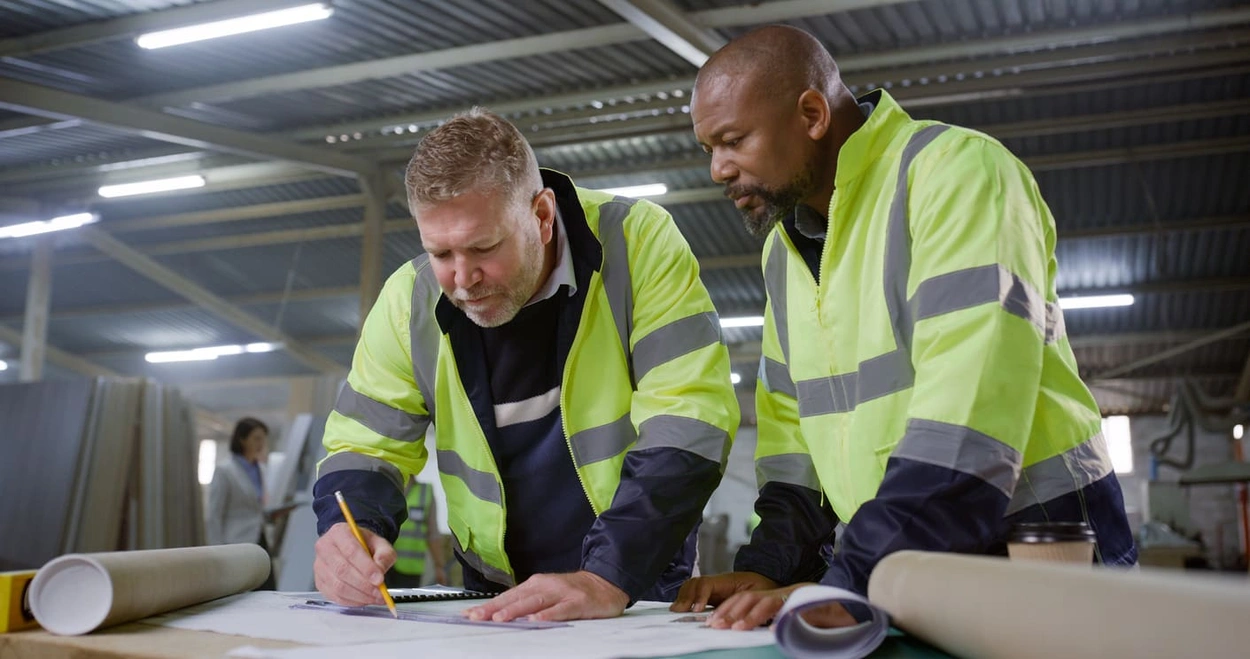
How to Use Large Format Plotters for Facility Management Floorplans

Common Mistakes & Fixes for Poor-Quality Blueprints

Common Print File Types for Blueprints Explained

Common Printing Mistakes: How to Avoid Costly Errors in Large Format Jobs
Best Printers for Illustration Prints: Top Picks for Artists and Designers

Best Practices for Marking Up and Revising Printed Architectural Plans

3 Keys to Print Emergency Maps That Enhance Disaster Response

5 Pro Tips for Mastering Wide Format Printing for AECs

Top 5 Large Photo Printers for Professional Artists and Photographers

The Complete Guide to Large Format Printing for AEC Professionals

Options for Upgrading Your Plotter

3 Best Practices for Large Document Conversion for Print

Understanding As-Built Drawings and Why They Matter

3 Ways Large Format Plotters Streamline Construction Submittals

How AI Enhances Large Format Printing for AEC
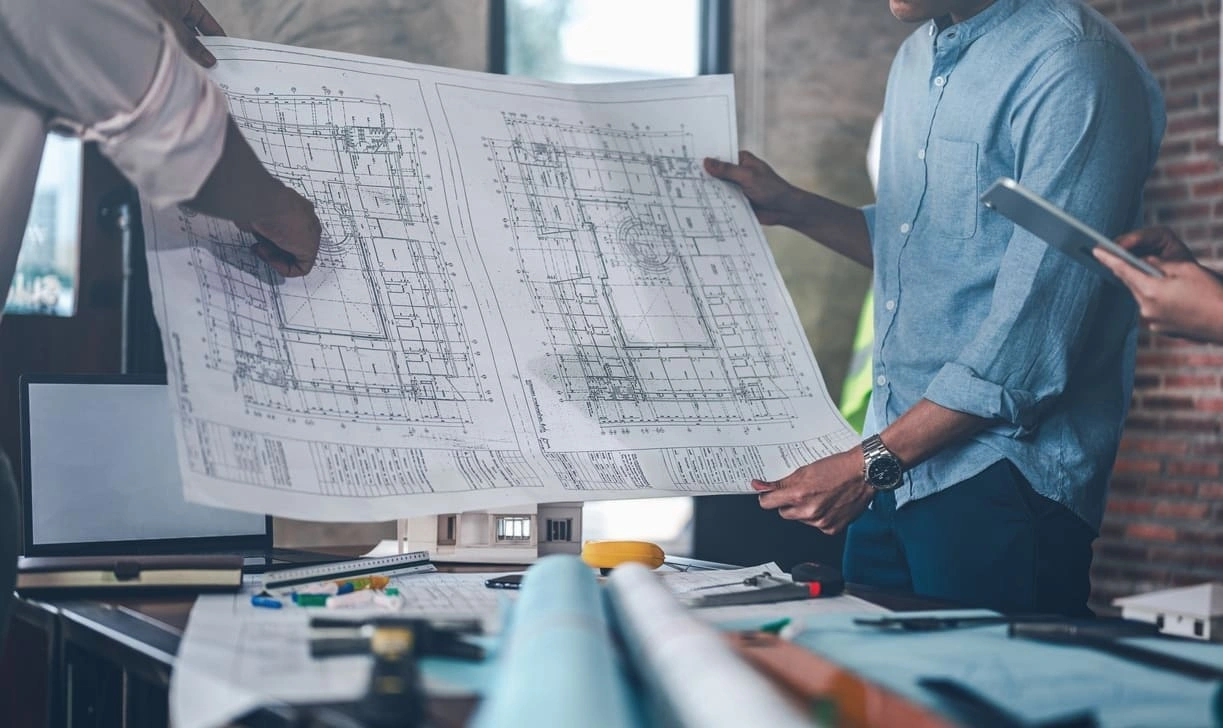
How to Optimise Hybrid AEC Printing Workflows With Large Format Printers

Large Format Printing Solutions for Sustainable Urban Planning
Select Your Country/Region and Language
Close Country/Region Selector Dialog
Europe, Middle East and Africa
- Africa
- Afrique
- België
- Belgique
- Česká republika
- Danmark
- Deutschland
- Eesti
- España
- France
- Hrvatska
- Ireland
- Italia
- Latvija
- Lietuva
- Magyarország
- Middle East
- Nederland
- Nigeria
- Norge
- Österreich
- Polska
- Portugal
- România
- Saudi Arabia
- Slovenija
- Slovensko
- South Africa
- Suisse
- Suomi
- Sverige
- Switzerland
- Türkiye
- United Kingdom
- Ελλάδα
- България
- Казахстан
- Србија
- Україна
- ישראל
- الشرق الأوسط
- المملكة العربية السعودية
Country/Region :
Close Country/Region Selector
SelectedUnited Kingdom
popUpSRBeginingLabelString
HP Worldwide
Select Your Country/Region and Language
Click or use the tab key to select your country
Close Country/Region Selector Dialog
- Africa
- Afrique
- América Central
- Argentina
- Asia Pacific
- Australia
- Bangladesh
- België
- Belgique
- Bolivia
- Brasil
- Canada
- Canada - Français
- Caribbean
- Česká republika
- Chile
- Colombia
- Danmark
- Deutschland
- Ecuador
- Eesti
- España
- France
- Hong Kong SAR
- Hrvatska
- India
- Indonesia
- Ireland
- Italia
- Latvija
- Lietuva
- Magyarország
- Malaysia
- México
- Middle East
- Nederland
- New Zealand
- Nigeria
- Norge
- Österreich
- Pakistan
- Paraguay
- Perú
- Philippines
- Polska
- Portugal
- Puerto Rico
- România
- Saudi Arabia
- Singapore
- Slovenija
- Slovensko
- South Africa
- Sri Lanka
- Suisse
- Suomi
- Sverige
- Switzerland
- Türkiye
- United Kingdom
- United States
- Uruguay
- Venezuela
- Việt Nam
- Ελλάδα
- България
- Казахстан
- Србија
- Україна
- ישראל
- الشرق الأوسط
- المملكة العربية السعودية
- ไทย
- 中华人民共和国
- 臺灣 地區
- 日本
- 香港特別行政區
- 한국
- Recalls |
- Product recycling |
- Accessibility |
- Modern Slavery Act Statement |
- HP UK Gender Pay Gap Report |
- Privacy |
- Use of cookies |
- Personal data rights |
- Terms of use |
- Consumer legal guarantee |
- Company details |
- Limited warranty statement |
©2025 HP Development Company, L.P. The information contained herein is subject to change without notice.