Blog
Filter categoryThe Large Format Printing Process: How Does Large Format Printing Work?

Technical Printing
|15 Apr 2026
Large format printing is a crucial part of communication in the architecture, engineering, and design industries, where scale, precision, and visual clarity are essential for success. The right process ensures blueprints and other architectural drawings are rendered with high precision, accurate scale, and clear details necessary for safe and efficient construction. But without the right tools and guidance, the large format printing process can be more complex than traditional printing processes.
In this article, we'll explain how large format printing differs from standard printing and break down the process, step by step, into easily understandable tasks. We'll also share preparation tips and highlight the ways HP DesignJet plotters simplify large format printing workflows.
What Is Large Format Printing?
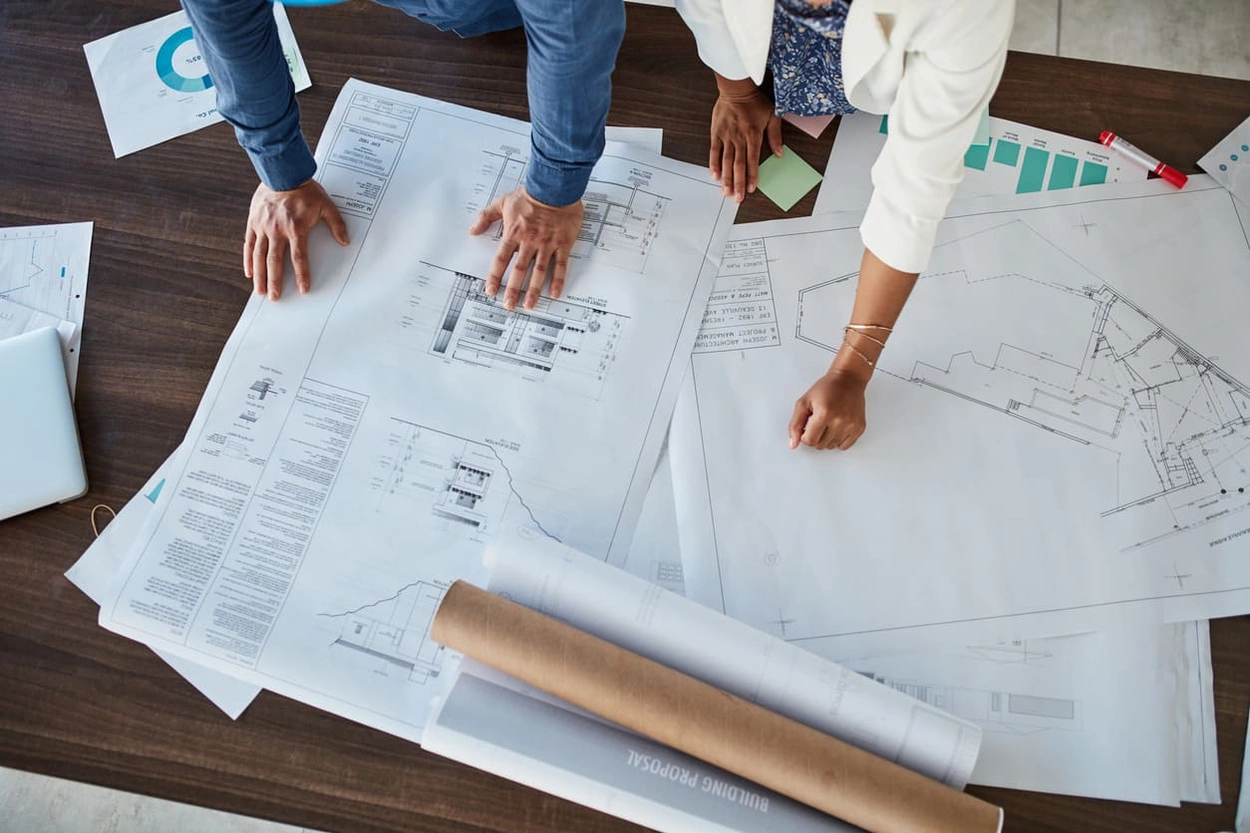
Large format printing (also called wide format printing) is a type of printing that uses large equipment to produce images on paper or other media that are over 24 inches wide. It is used for a wide variety of applications, including banners, vehicle wraps, and detailed drawings. In the AEC industry, large format printing can print architectural drawings without compromising essential details.
Definition and Key Differences From Standard Printing
Large format printing is any type of printing that requires materials over 24 inches wide (compared to 11 inches for standard prints). However, size isn't the only differentiator between large format printing and standard printing. Large format prints are typically higher quality than standard prints and can be printed on many different media types. The printers also produce prints more quickly and with greater versatility than standard printers.
Who Uses Large Format Printing and Why?
Large format printing is used in any industry where large-sized prints are necessary. The process can be used to print posters, displays, banners, home decor, and complex architectural drawings.
Applications in Architecture, Engineering, and Design
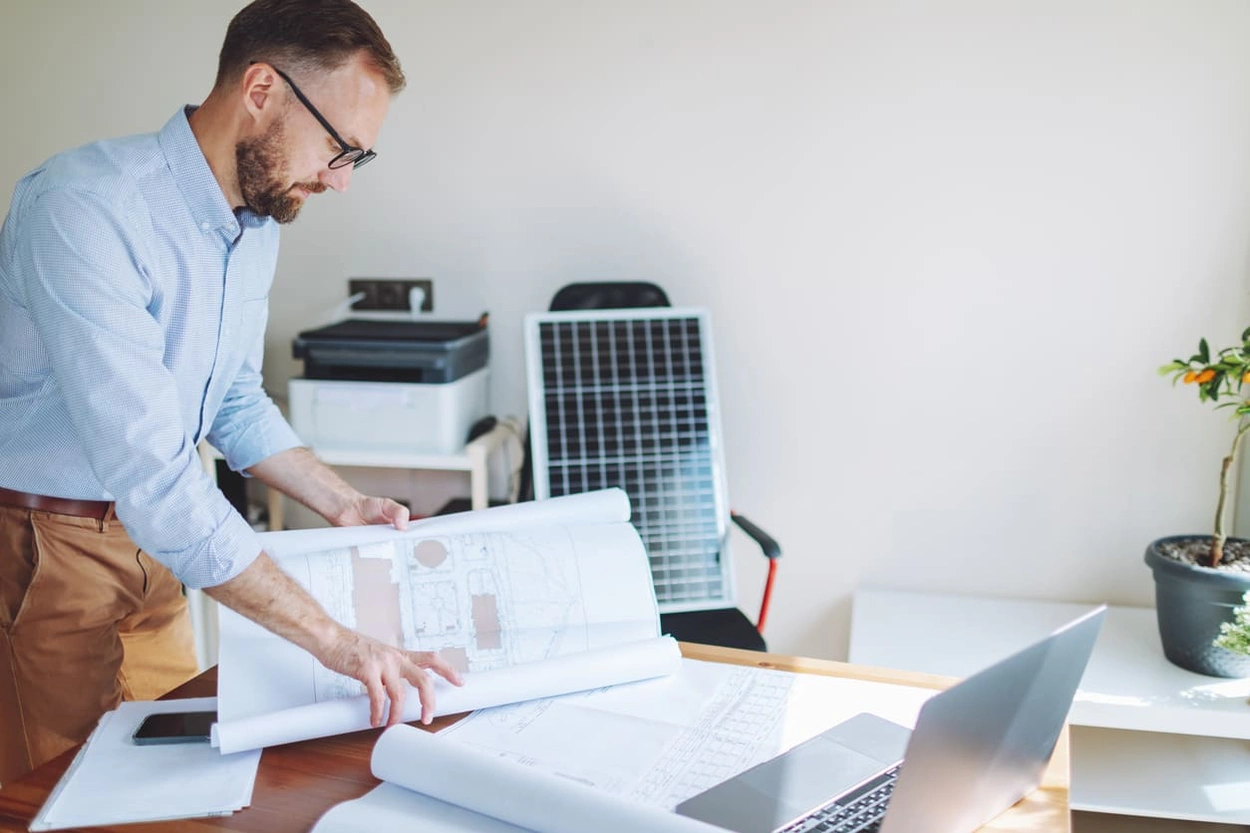
Large format printers are indispensable in the architectural, engineering, and design fields for producing detailed blueprints, schematics, and renderings. The large format printing process is ideal for reproducing accurate, precise representations of buildings and infrastructure. Large format prints are often used in the AEC industry for:
- Presentations
- Blueprints and other architectural drawings to be used in the office and at job sites
- Bids for construction jobs
- Work site navigational and hazard signage
Understanding How Large Format Printing Works
The large format printing process deposits ink directly onto large sheets of paper or other materials. It typically requires software to accurately reproduce digital drawings or schematics.
From File Setup to Final Output
The large format printing process begins with printer setup and is only complete after the ink is fully cured. Stages of the process include:
- File preparation: Set printer resolution, file settings, and colour profiles.
- Accurate media selection and loading: Select media that aligns with print requirements and load per printer directions.
- Ink application: The printer carriage moves the ink heads across the substrate surface while it advances through the printer.
- Post-print drying: After printing, additional drying might occur on hardening racks or LED bake units.
Inkjet vs Thermal Inkjet Technologies
Inkjet and thermal inkjet printing use different technologies to apply ink to substrates. Thermal inkjet technology uses heat to create a bubble, forcing ink through the nozzle to produce high-resolution prints. However, the prints are sensitive to heat, light, and friction. Inkjet technology deposits ink droplets on a substrate without heat, with nozzles ejecting them precisely when the print image requires.
The Role of Resolution and Media Type
Resolution settings and your chosen media type work together to produce clear fonts and accurate line weights. Detailed prints typically require high resolutions of at least 300 DPI. Heavier-weight papers support clearly printed line weights and text and withstand environmental stressors.
Steps in the Large Format Printing Process
This step-by-step process yields the best results for accurate large format printing.

Step 1: Preparing Your File for Print
Prepare the file for print with these steps.
- Set resolution to 300 DPI or higher.
- Choose the appropriate colour mode.
- Set the image to scale.
- Select vector format.
- Embed fonts and linked files.
- Perform a final pre-print check.
Step 2: Choosing the Right Paper or Media
When choosing the right media type, consider the elements the print will be exposed to and the best type of finish to promote clarity. Heavyweight paper types offer the best precision for detailed AEC drawings.
Step 3: Sending the Job to the Printer
Before clicking print, you'll need to export the print job to your printer without file conflicts. Save the file as a high-quality PDF, and ensure the resolution, scale, and file format in the printer settings match your digital output.
Step 4: Quality Checks and Finishing
Before printing, check all input data and the final image to ensure the print meets your expectations. Ensure resolution, scale, colour mode, and file type are accurate, and check the print preview to ensure quality.
Why File Preparation Matters in the Printing Process
File preparation is key to producing accurate prints with all the details needed to support multi-team communication and reduce errors during construction.
File Formats and Resolution for Best Results
Select vector format for precise lines and accurate details. High resolution further supports print clarity. Large format AEC prints should have a resolution of at least 300 DPI, and resolution should align with scaling requirements.
Importance of Scale, Bleed, and Margins
The live area of your design is where the visual and printed information belongs. Margins are the area around the outer edge of the piece that allows for printer shifting. Setting bleed allowance ensures the design will print in the live area, away from the edge of the page. Scaling large format technical drawings ensures file sizes match print specifications and produce accurate dimensions.
Using HP Click and HP Print Preview Effectively
HP Click is a software tool from HP that makes large format printing easier with a simple drag-and-drop interface. It offers smart nesting, real-time previews, and batch printing to optimise file setup for multiple prints. The software automatically detects file type and sets up the necessary configurations, and adds dashed lines around images for easy cutting. Real-time print preview shows a visual representation of the final print, allowing users to check for accuracy and make necessary adjustments before printing.
How HP DesignJet Plotters Streamline the Process
HP DesignJet plotters have many features that streamline the large format printing process for AEC professionals.
Smart Printing Features That Reduce Errors
HP DesignJet printers come with features that simplify setup and allow users to verify accuracy. HP Click software automatically calibrates printing to the file type you're using and provides real-time error alerts during setup. Print preview enables users to confirm all specifications before each print.
Fast Print Speeds With High-Detail Output
HP printers and plotters, such as the HP PageWide XL Series, are engineered for blazing-fast output, with speeds up to 30 D/A1 (24") prints per minute or more. Exceptional precision supported by advanced printheads using multi-nozzle configurations and high-resolution output.
Integration With CAD and Design Software
HP DesignJet plotters integrate seamlessly with all popular CAD programs. Automatic integration automatically connects to the printer that matches your software choices and eliminates steps that can degrade print quality.
Best Practices for Smooth Large Format Printing
Proper file preparation will simplify the printing process and help you avoid errors. These tips will help you produce precise large format AEC drawings.
Calibrating Your Printer and Using Recommended Media
Calibrate your printer to the right colour mode and choose a high resolution that matches your software and scale requirements. Choose the right media type for your project by considering whether the print is exposed to outdoor elements and the finish type best suited for your design.
Establishing a Consistent File Review Process
A final review before printing will ensure accurate reproduction of your digital rendering. Before printing, check:
- Dimensions
- Resolution
- Colour mode
- Fonts converted to vector
- Bleed and margins
- File format
- Print preview
Avoiding Common Delays and Material Waste
Accurate preparation is key to avoiding delays and material waste in large format printing. These best practices reduce errors that cause material waste and delays.
- Ensure your printer is properly maintained.
- Optimise design and layout before printing, using HP DesignJet features like nesting and batch printing.
- Use print preview to ensure accuracy.
- Invest in a printer that maximises ink usage and offers features to automatically detect setup errors.
Print Large, Print Smart With HP DesignJet
Large format printing is a crucial part of producing essential documents used in the AEC industry. Simplifying the large format printing process with the right tools and techniques can help teams avoid errors that waste time and materials. HP DesignJet printers offer a range of advanced features that support accurate printing for the AEC industry. Contact us today to discuss your large format printing needs.