Blog
Filter categoryHP DesignJet Studio: Design Meets Performance

Technical Printing
|25 Nov 2020
For those in the architecture, engineering and construction (AEC) industries, it is crucial to find the right architectural printer that not only meets all your needs but empowers you and the entire team in your office. While you should consider a printer that helps in streamlining workflow, enabling collaboration across departments and supporting an agile work culture, having one that supports sustainability and is well-designed is a perk and helps put you ahead of the competition.
Get the architectural printer that performs
Every little detail matters and the printer should be able to capture it all. Architectural printers should have the following functions:
- Precise drawings
- Colour clarity
- Accurate textures
- Error-free printing
- Legibility of text and other characters
- Better differentiation and line quality
The HP DesignJet Studio printer delivers all the above, and more. Its performance is immaculate and the print is perfectly clear. Its printing capability covers a wide range — from fast mode plain paper printing to high quality prints to any paper — you can even print remotely for that extra convenience!
So, whatever it is that you need printed with precision, be it normal documents or architectural printouts, you can be certain that HP DesignJet Studio printers will deliver exactly what you need, when you need.
Designed for perfection
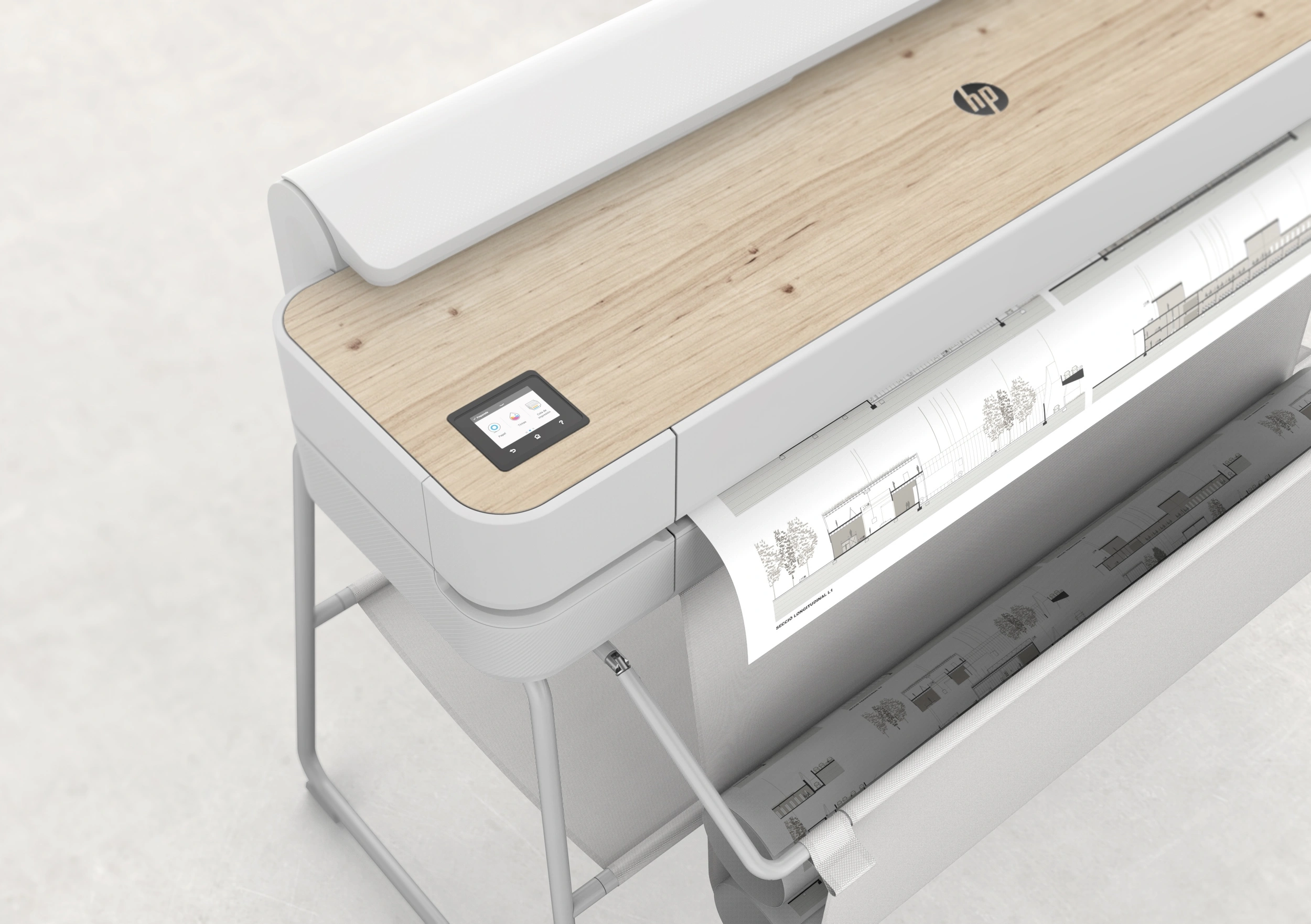
As the world’s first large format printer created with design in mind, imagine how aesthetically pleasing it would look to have a gorgeous looking printer in your office. Awarded the German Design Award Gold 2021 for Excellent Product Design, Computer and Communication, this printer will certainly draw attention as it wows your clients, and staff, with its precise printing and how well it fits in aesthetically.
The HP DesignJet Studio printers include an auto sheet feeder tray with an intelligent feature where it is able to detect the size of the print, and auto-dispense from the correct paper tray. It can also be used with legs or without, letting you save space if needed, presenting a minimalistic look. If placed on the table, the printouts can be collected in the retractable tray.
Plus, with a choice of wood or steel finishing, this printer is sure to add to the décor of your work area and fit the way you live.
Print while caring for the environment
Did you know that the HP DesignJet Studio printer is the world’s first carbon-neutral large format printer? This means that the printer was made with the planet in mind and uses high quality environmental instruments in accordance with The CarbonNeutral Protocol.
Ink and paper are inevitable when you talk about printers, especially in the architectural industry. To remedy this, the HP DesignJet Studio printers have worked on other ways to remain sustainable, particularly in the aspect of ink usage. After all, sustainability is the hot topic of this generation.
Being sustainable while saving costs
Let’s talk about how HP DesignJet Studio printers can help you be cost efficient while being environmentally friendly.
Firstly, HP DesignJet Studio printers consume lesser ink than competitor brands, adding up to a substantial savings in ink costs for your company.
Secondly, a lot of ink is usually wasted during nozzle cleaning, where ink is purged to clear any nozzle blockage. With HP DesignJet Studio printers, it uses ink spraying instead of ink purging, thus requires no waste ink tanks. Plus, nozzle cleaning only affects the clogged nozzles and not all nozzles — once again, saving ink for the printer, and saving costs for you.
In addition, our HP DesignJet Studio printers are energy efficient, and are proud to be Energy Star-certified!
Easy maintenance
So far, we have shown how the HP DesignJet Studio printer features cost-efficient ways in terms of ink usage, but that’s not all. When used heavily day to day, all architectural printers will eventually require some maintenance, for example, worn out printheads. This usually means a phone call to the manufacturer and booking an appointment for the maintenance person to come down and replace the printhead. Meanwhile, the printer is out of work for several hours, or even days! All this downtime means more costs for you.
With HP DesignJet Studio printer, all that hassle goes away. With easy to replace printheads, you can do it yourself without engaging professionals to come on site.
Choosing the right HP DesignJet printer
In this industry, accurately printed technical drawings support successful AEC projects — that is why when it comes to choosing a large format printer, it is essential to select the architectural printer that features the following:
- Prints technical drawings with precision
- Provides a holistic printing solution with sustainability in mind
- Meets performance expectations
- Pleasing aesthetics
- Quality prints
The HP DesignJet Studio series meets all the above requirements with its unparalleled performance and stylish design. So if you are looking for architectural prints that are sure to impress, look no further than the HP DesignJet Studio printers.
You Might Also Like

Top 5 Printers for Artists: High-Quality Prints for Fine Art

What Is a Wide Format Printer?: A Beginner’s Guide to Large-Scale Printing
Preparing Files for Large Format Printing: A Step-by-Step Guide

How to Use Large Format Plotters for Facility Management Floorplans

Common Mistakes & Fixes for Poor-Quality Blueprints

Common Print File Types for Blueprints Explained

Common Printing Mistakes: How to Avoid Costly Errors in Large Format Jobs
Best Printers for Illustration Prints: Top Picks for Artists and Designers

Digital vs. Paper: When to Print Architectural Drawings and When to Share Digitally

Best Practices for Marking Up and Revising Printed Architectural Plans

3 Keys to Print Emergency Maps That Enhance Disaster Response

5 Pro Tips for Mastering Wide Format Printing for AECs

Top 5 Large Photo Printers for Professional Artists and Photographers
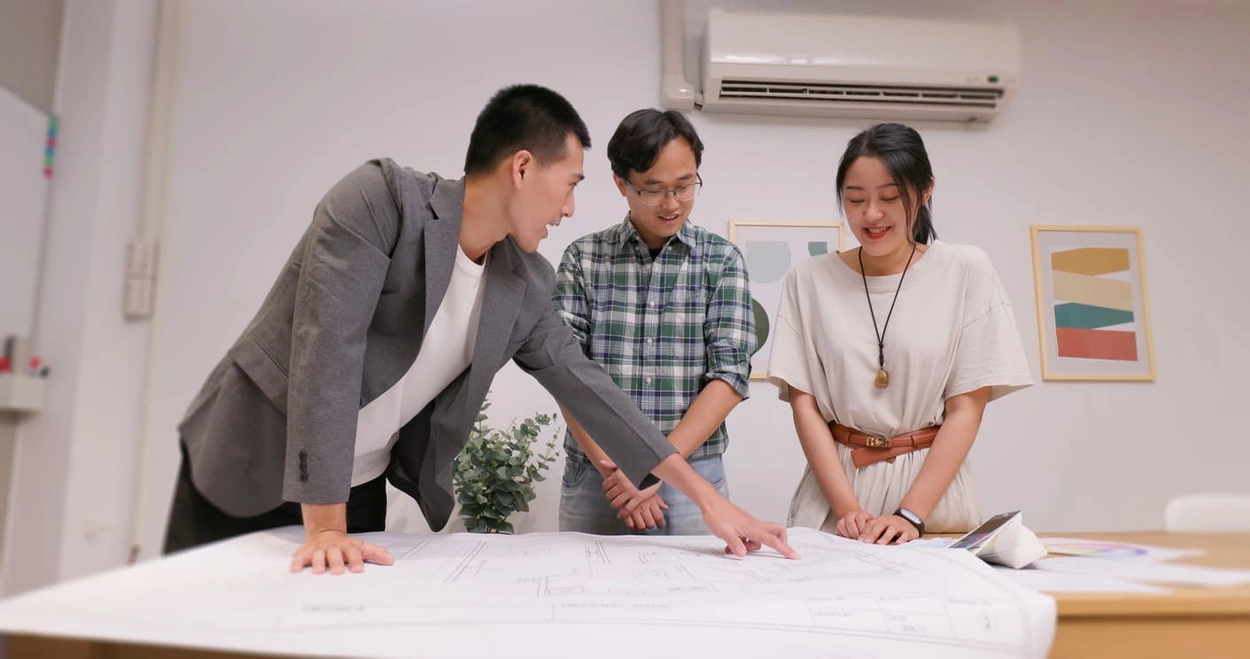
The Complete Guide to Large Format Printing for AEC Professionals

Options for Upgrading Your Plotter

3 Best Practices for Large Document Conversion for Print

Understanding As-Built Drawings and Why They Matter

3 Ways Large Format Plotters Streamline Construction Submittals

How AI Enhances Large Format Printing for AEC
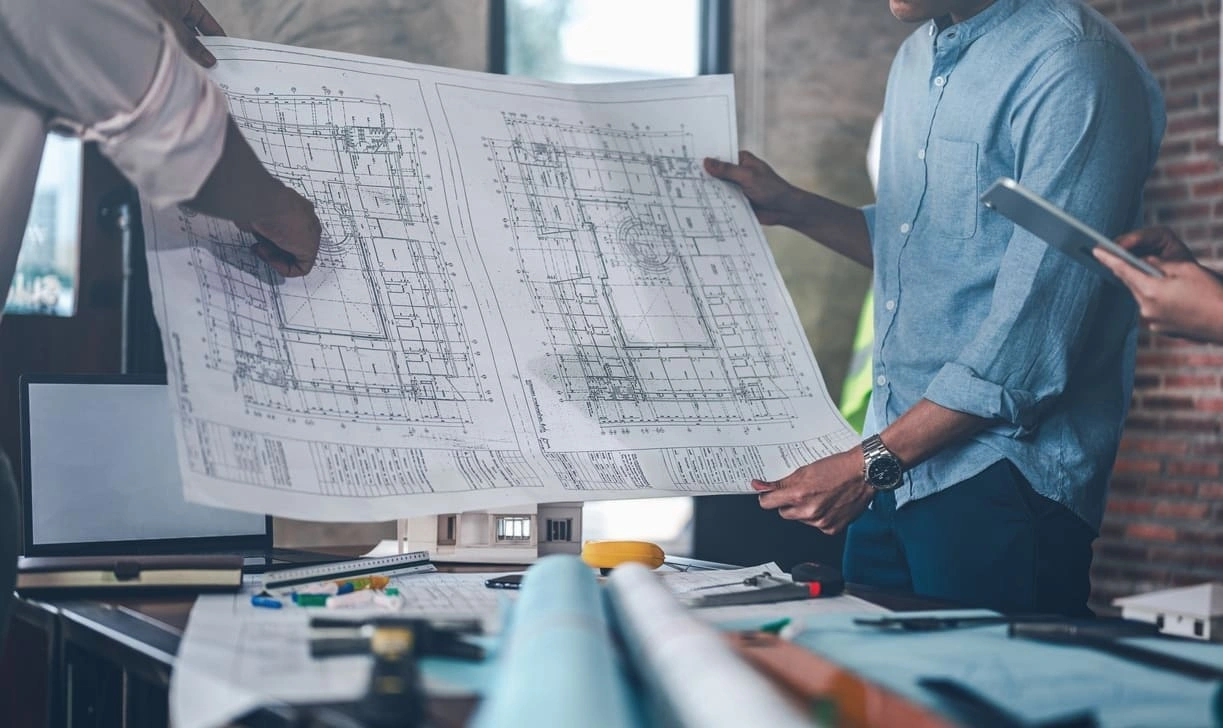
How to Optimise Hybrid AEC Printing Workflows With Large Format Printers
Select Your Country/Region and Language
Close Country/Region Selector Dialog
Europe, Middle East and Africa
- Africa
- Afrique
- België
- Belgique
- Česká republika
- Danmark
- Deutschland
- Eesti
- España
- France
- Hrvatska
- Ireland
- Italia
- Latvija
- Lietuva
- Magyarország
- Middle East
- Nederland
- Nigeria
- Norge
- Österreich
- Polska
- Portugal
- România
- Saudi Arabia
- Slovenija
- Slovensko
- South Africa
- Suisse
- Suomi
- Sverige
- Switzerland
- Türkiye
- United Kingdom
- Ελλάδα
- България
- Казахстан
- Србија
- Україна
- ישראל
- الشرق الأوسط
- المملكة العربية السعودية
Country/Region :
Close Country/Region Selector
SelectedUnited Kingdom
popUpSRBeginingLabelString
HP Worldwide
Select Your Country/Region and Language
Click or use the tab key to select your country
Close Country/Region Selector Dialog
- Africa
- Afrique
- América Central
- Argentina
- Asia Pacific
- Australia
- Bangladesh
- België
- Belgique
- Bolivia
- Brasil
- Canada
- Canada - Français
- Caribbean
- Česká republika
- Chile
- Colombia
- Danmark
- Deutschland
- Ecuador
- Eesti
- España
- France
- Hong Kong SAR
- Hrvatska
- India
- Indonesia
- Ireland
- Italia
- Latvija
- Lietuva
- Magyarország
- Malaysia
- México
- Middle East
- Nederland
- New Zealand
- Nigeria
- Norge
- Österreich
- Pakistan
- Paraguay
- Perú
- Philippines
- Polska
- Portugal
- Puerto Rico
- România
- Saudi Arabia
- Singapore
- Slovenija
- Slovensko
- South Africa
- Sri Lanka
- Suisse
- Suomi
- Sverige
- Switzerland
- Türkiye
- United Kingdom
- United States
- Uruguay
- Venezuela
- Việt Nam
- Ελλάδα
- България
- Казахстан
- Србија
- Україна
- ישראל
- الشرق الأوسط
- المملكة العربية السعودية
- ไทย
- 中华人民共和国
- 臺灣 地區
- 日本
- 香港特別行政區
- 한국
- Recalls |
- Product recycling |
- Accessibility |
- Modern Slavery Act Statement |
- HP UK Gender Pay Gap Report |
- Privacy |
- Use of cookies |
- Personal data rights |
- Terms of use |
- Consumer legal guarantee |
- Company details |
- Limited warranty statement |
©2025 HP Development Company, L.P. The information contained herein is subject to change without notice.