Blog
Filter categoryCategory
How to Print a Poster With HP's DesignJet T850 Printer

Technical Printing
|13 Mar 2024
AEC businesses, artists, and many other small businesses rely on poster printing to communicate visually with their audiences. If you want to benefit from posters for your business or communications endeavour but aren't sure how to print a poster, HP has the right solutions to facilitate efficient and quality poster printing using advanced technologies. Our large-format printers, including the new and reliable DesignJet T850, can meet your needs with every project to give you the best quality poster printing.
This guide to poster printing and the DesignJet T850 will help you make full use of this printer as you learn how to print a poster. We'll review the various steps to take to set up your printer and give you the solution you need for consistently great results. Using the DesignJet T850, you can fully realize your vision with top-quality prints that offer unparalleled accuracy, precision, and clarity to establish effective visual communication.
Understanding Your Firm's Poster Printing Need
If you require posters for displaying various visuals, you'll want to determine what your business needs to determine the best poster printer.
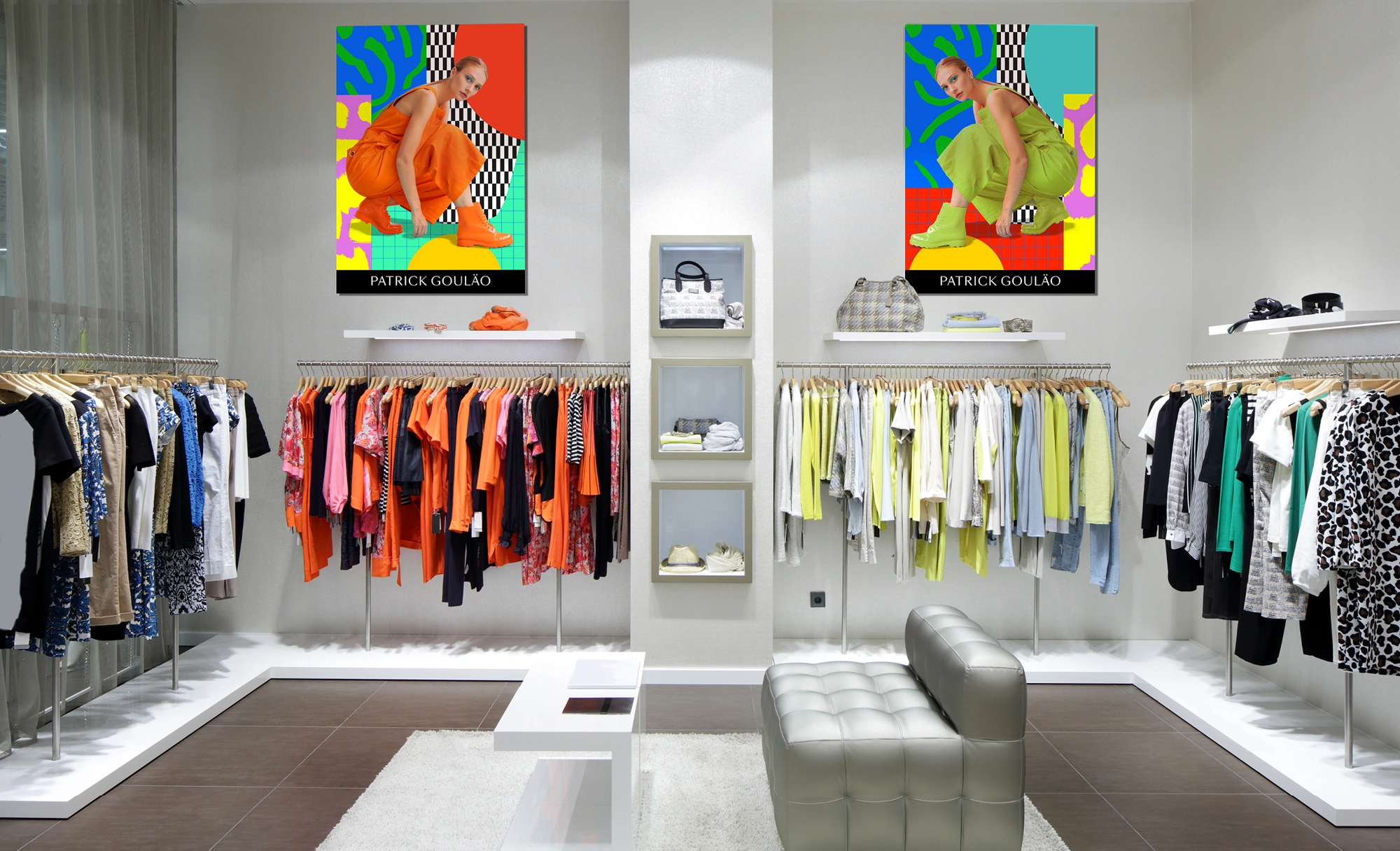
For example, consider the purpose of the poster. Is it a promotion for a company event or a display of artwork? If so, your design should use an appealing combination of visuals and text to attract attention. Often, posters will feature bold colours and eye-catching headlines by using high-quality images on equally high-quality paper.
Meanwhile, artistic poster designs will often feature more colour and use various design elements to accurately realize an artistic vision.
Ultimately, knowing the type of poster and your target audience will guide your poster design as you determine how to print a poster that meets your unique application needs.
Preparing Your Designs for Poster Printing
As you learn more about how to print a poster, you should also figure out the right design specifications to maximize quality.
When printing a poster, the following are some specific design considerations when preparing a printing project:
Image Resolution and Size
Colour
File Type
Setting Up the HP DesignJet T850 for Poster Printing

Once you've figured out all the design specifications, you can print your poster with the innovative HP DesignJet T850. This printer makes it easy to discover how to print a poster in the highest quality and with consistent efficiency.
The following are some key steps when setting up the T850 printer.
1. Connect the Printer to the Computer With the Poster Design
2. Load the HP DesignJet With the Right Paper Rolls
3. Configure the Print Settings as Required
Specifying Poster Dimensions
4. Install Any Necessary Software to Complete the Print Job
5. Conduct Test Printing
Printing Your Poster and Post-Printing Considerations
After printing your poster, you may also want to finish the design with post-printing processes. Some potential processes that can finish your poster include:
- Cutting
- Lamination
Reach Out to HP With Your Large Format Printing Needs
With a better idea of how to print a poster using the right specifications and printing processes, you can connect with your audiences, whether you want to promote your brand or offerings, showcase artistic talent, or connect in a different way with large-format printing.
If you would like to get started on your next project using the innovative HP DesignJet T850 or another printer model, reach out to us for help finding what you need for your application today.
You Might Also Like

Top 5 Printers for Artists: High-Quality Prints for Fine Art

What Is a Wide Format Printer?: A Beginner’s Guide to Large-Scale Printing

Preparing Files for Large Format Printing: A Step-by-Step Guide
How to Use Large Format Plotters for Facility Management Floorplans

Common Mistakes & Fixes for Poor-Quality Blueprints

Common Print File Types for Blueprints Explained

Common Printing Mistakes: How to Avoid Costly Errors in Large Format Jobs
Best Printers for Illustration Prints: Top Picks for Artists and Designers

Digital vs. Paper: When to Print Architectural Drawings and When to Share Digitally

Best Practices for Marking Up and Revising Printed Architectural Plans

3 Keys to Print Emergency Maps That Enhance Disaster Response

5 Pro Tips for Mastering Wide Format Printing for AECs

Top 5 Large Photo Printers for Professional Artists and Photographers

The Complete Guide to Large Format Printing for AEC Professionals

Options for Upgrading Your Plotter

3 Best Practices for Large Document Conversion for Print

Understanding As-Built Drawings and Why They Matter

3 Ways Large Format Plotters Streamline Construction Submittals

How AI Enhances Large Format Printing for AEC

How to Optimise Hybrid AEC Printing Workflows With Large Format Printers
Select Your Country/Region and Language
Close Country/Region Selector Dialog
Europe, Middle East and Africa
- Africa
- Afrique
- België
- Belgique
- Česká republika
- Danmark
- Deutschland
- Eesti
- España
- France
- Hrvatska
- Ireland
- Italia
- Latvija
- Lietuva
- Magyarország
- Middle East
- Nederland
- Nigeria
- Norge
- Österreich
- Polska
- Portugal
- România
- Saudi Arabia
- Slovenija
- Slovensko
- South Africa
- Suisse
- Suomi
- Sverige
- Switzerland
- Türkiye
- United Kingdom
- Ελλάδα
- България
- Казахстан
- Србија
- Україна
- ישראל
- الشرق الأوسط
- المملكة العربية السعودية
Country/Region :
Close Country/Region Selector
SelectedUnited Kingdom
popUpSRBeginingLabelString
HP Worldwide
Select Your Country/Region and Language
Click or use the tab key to select your country
Close Country/Region Selector Dialog
- Africa
- Afrique
- América Central
- Argentina
- Asia Pacific
- Australia
- Bangladesh
- België
- Belgique
- Bolivia
- Brasil
- Canada
- Canada - Français
- Caribbean
- Česká republika
- Chile
- Colombia
- Danmark
- Deutschland
- Ecuador
- Eesti
- España
- France
- Hong Kong SAR
- Hrvatska
- India
- Indonesia
- Ireland
- Italia
- Latvija
- Lietuva
- Magyarország
- Malaysia
- México
- Middle East
- Nederland
- New Zealand
- Nigeria
- Norge
- Österreich
- Pakistan
- Paraguay
- Perú
- Philippines
- Polska
- Portugal
- Puerto Rico
- România
- Saudi Arabia
- Singapore
- Slovenija
- Slovensko
- South Africa
- Sri Lanka
- Suisse
- Suomi
- Sverige
- Switzerland
- Türkiye
- United Kingdom
- United States
- Uruguay
- Venezuela
- Việt Nam
- Ελλάδα
- България
- Казахстан
- Србија
- Україна
- ישראל
- الشرق الأوسط
- المملكة العربية السعودية
- ไทย
- 中华人民共和国
- 臺灣 地區
- 日本
- 香港特別行政區
- 한국
- Recalls |
- Product recycling |
- Accessibility |
- Modern Slavery Act Statement |
- HP UK Gender Pay Gap Report |
- Privacy |
- Use of cookies |
- Personal data rights |
- Terms of use |
- Consumer legal guarantee |
- Company details |
- Limited warranty statement |
©2025 HP Development Company, L.P. The information contained herein is subject to change without notice.