Blog
3 Best Practices for Large Document Conversion for Print

Technical Printing
|10 May 2025
The architecture, engineering, and construction (AEC) industry relies heavily on large document format options. Being able to scan photos in large formats, convert large document formats, and print high-quality pages all play a role in this industry. Setting up the right workflow for creating and converting these documents saves time and preserves quality throughout the process. These tips and best practices can help AEC firms make the most of their large document format plotters.
1. Choose the Right Scanning Technology for Large Formats
Often, large documents need to be scanned to digitise them. Whether for storage purposes or to make changes that will later be printed out again, the scanning process needs to be as accurate as possible for quality results.
Understand Document Types and Scanning Needs
Selecting the right scanning equipment begins with a deep understanding of your needs. For technical drawings, fine lines and precise measurements require high-resolution scanning capability to avoid losing details. But poster-sized graphics and marketing materials often benefit more from high colour accuracy and consistency than from extreme resolution. The former matters far more frequently in the AEC industry, though the latter also provides value.
Another important consideration is the condition of the document that requires large document format work. Contactless scanning technology can scan older, fragile blueprints much more safely. Firms that work primarily with newer documents can make do with traditional roller-fed scanning methods.
Finally, take into account your throughput requirements. A firm expecting high-volume scanning operations will need a faster, more robust scanning technology than one that only uses it occasionally.
Benefits of Using HP Large Format MFP Printers for Scanning
As a leader in the field, HP's large format multifunction printers (MFPs) offer several advantages for workflows to convert large document formats. MFP printers combine scanning, copying, and printing into a single unit. This reduces office space requirements and the learning curve required for staff to become proficient.
Modern HP large format scanning technology relies on contact image sensor (CIS) arrays. These devices deliver exceptional image clarity while handling documents gently enough for use with older, less durable documents.
These scanners also offer several other best-in-class features:
- Exceptional light coverage to minimise shadows and improve detail capture
- Intelligent software with features like automatic background removal and automatic deskewing
- Better colour consistency through the integration of scanning and printing capabilities
These features combine to create a state-of-the-art scanning product that gives accurate results even when scanning less-than-perfect documents.
2. Prepare Files Correctly Before Conversion
The file preparation process also plays a major role in the efficiency and accuracy of a scan. Understanding the process will streamline workflows and improve large document format results.
Standardising Formats and Dimensions
For consistency and efficiency, standardise the file manipulation process as much as possible. This includes using consistent file names, which should include the project number, document type, version, and date. This prevents confusion and makes it easier to find files in the future.
The dimensions and scale of documents should also be standardised. Consistent scale factors for similar document types maintain proportional accuracy in the digital processes and any eventual printing. For technical drawings, a standard border and title block location make information easy to find across documents.
Finally, the resolution of the scan should be standardised based on the purpose of the document. Higher resolution should be used for documents that require the reproduction of fine details. For reference documents and other less critical scans, lower resolutions will save storage space and reduce processing times.
Using HP Software Tools for File Optimisation
The specialised software in HP has features that can enhance the efficiency of the file preparation process. HP SmartStream has batch processing capabilities, allowing consistent optimisation settings to be applied across multiple files at once.
A common problem with printing, whether from scanned documents or not, is trying to start a print job that has a critical error. This could be missing fonts, improperly embedded images, or incorrect colour spaces. When this problem isn't discovered in time, it leads to delays. HP's preflight features identify issues early, reducing delays.
HP's software has several other features that aid in file handling:
- Optimisation algorithms that intelligently reduce file size without losing quality
- Conversion tools that seamlessly transition between different file formats
- Cloud storage integration to make file sharing and backup easier
These features work together to manage a lot of the manual, error-prone processes associated with file handling.
3. Ensure Quality Control Before Final Print

Many firms find themselves reprinting documents because they weren't careful with large document format quality control, introducing delays and wasting materials.
Pre-Print Review & Proofing Best Practices
A good first step is establishing a checklist covering key quality control elements. Dimensions, scale accuracy, text legibility, and colour correctness are some common items to include. This approach adds consistency to the process, ensuring no critical detail is overlooked during the final review.
A big quality problem is when the line weights, text legibility, and colour representation don't come out as expected in the final print. This can be minimised by properly calibrating the review monitor to the printer. This makes soft proofing more accurate and allows for reviewing the final output without increasing material cost. For critical documents, a printed proof is worth the material cost.
Many firms implement a multi-reviewer process, so errors that may be missed by one reviewer are caught by another. For accountability and future reference, keep records about who reviewed each document, what issues they found, and the resolution.
Seamless Integration With HP Large Format Printers
HP's ecosystem allows for easy coordination between digital files and physical output:
- True print preview capabilities show exactly how digital files translate to printed documents.
- Advanced colour management features keep output consistent between prints.
- Automatic print mode selection prevents print errors.
- Fleet management features ensure consistent calibration across all equipment.
These features reduce the need for reprinting, saving time and money while ensuring that all prints meet high quality standards.
Future-Proofing Your Document Conversion Workflow
Large format documents are used extensively in the AEC industry. Through thoughtful integration of technology, standardised processes, and quality control measures, AEC firms can streamline their document workflows.
As document management evolves toward greater digitisation, investing in adaptable workflows becomes ever more important. HP's technical plotters provide a solid foundation for building a document workflow now and into the future. To get a good deal on an HP plotter, consider taking advantage of our HP DesignJet Promo.
You Might Also Like

Top 5 Printers for Artists: High-Quality Prints for Fine Art

What Is a Wide Format Printer?: A Beginner’s Guide to Large-Scale Printing

Preparing Files for Large Format Printing: A Step-by-Step Guide
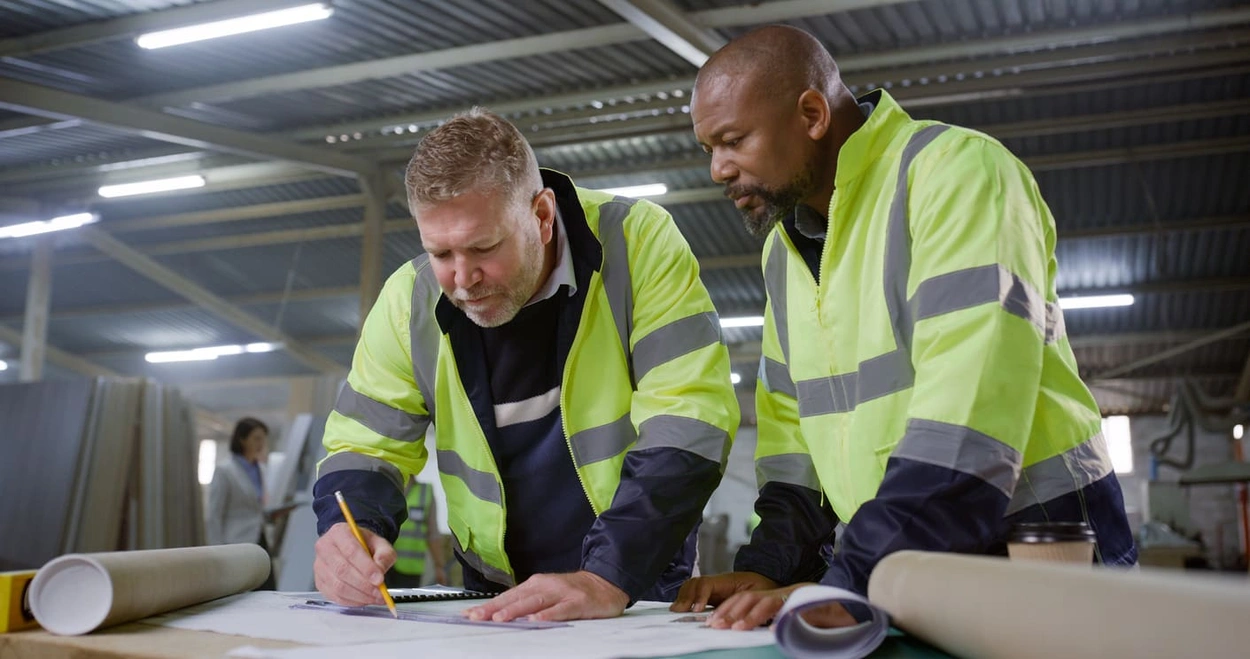
How to Use Large Format Plotters for Facility Management Floorplans

Common Mistakes & Fixes for Poor-Quality Blueprints

Common Print File Types for Blueprints Explained

Common Printing Mistakes: How to Avoid Costly Errors in Large Format Jobs
Best Printers for Illustration Prints: Top Picks for Artists and Designers

Digital vs. Paper: When to Print Architectural Drawings and When to Share Digitally

Best Practices for Marking Up and Revising Printed Architectural Plans

3 Keys to Print Emergency Maps That Enhance Disaster Response

5 Pro Tips for Mastering Wide Format Printing for AECs

Top 5 Large Photo Printers for Professional Artists and Photographers
The Complete Guide to Large Format Printing for AEC Professionals

Options for Upgrading Your Plotter

Understanding As-Built Drawings and Why They Matter

3 Ways Large Format Plotters Streamline Construction Submittals

How AI Enhances Large Format Printing for AEC
How to Optimise Hybrid AEC Printing Workflows With Large Format Printers

Large Format Printing Solutions for Sustainable Urban Planning