Blog
9 Essential Tips for Car Wrapping
Graphic Arts
|16 jun 2021
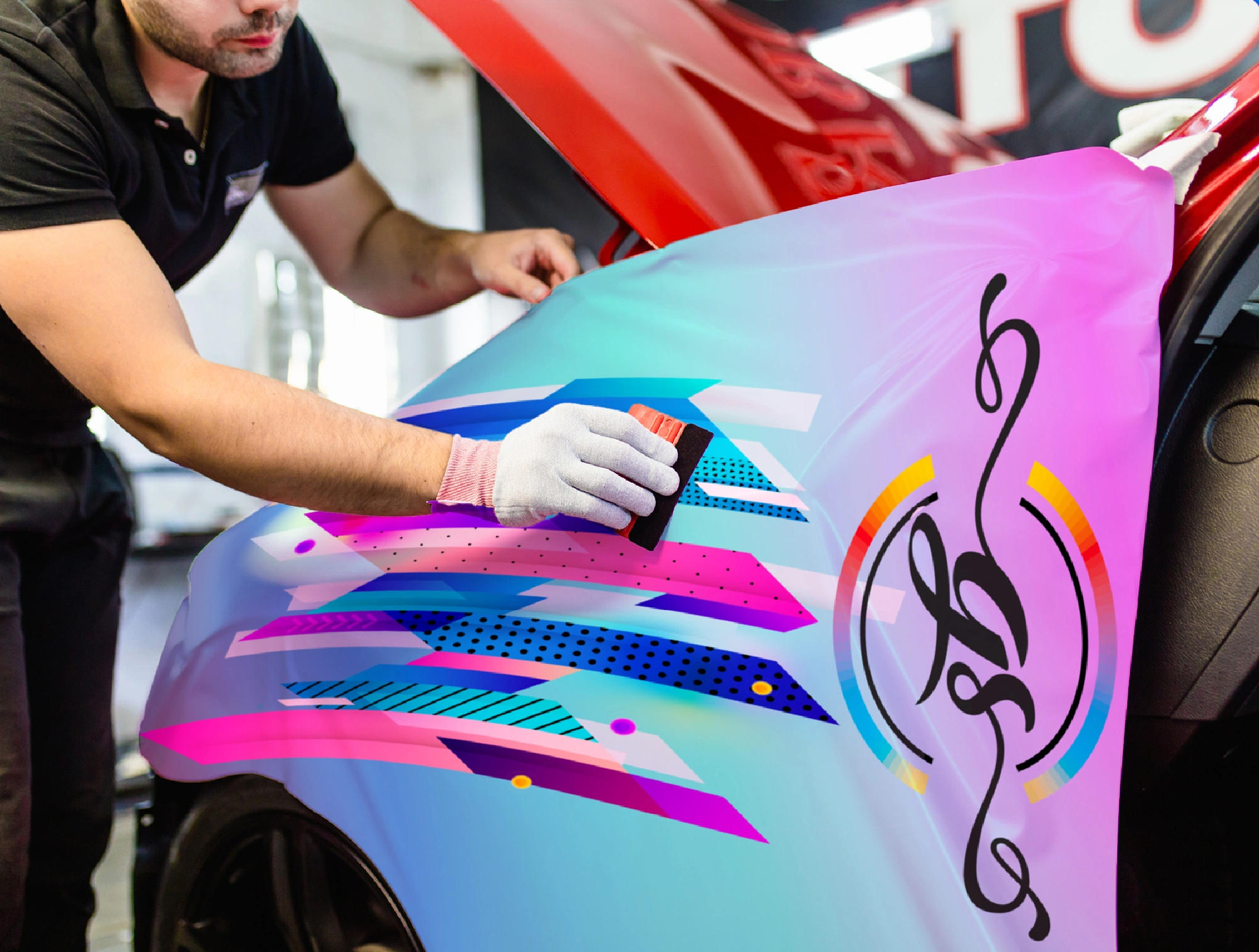
Diversifying into vehicle wrapping can be a lucrative decision for growing print businesses, no matter where you’re at in your large format journey. Recent advances in print technology have made wrapping easier than ever before. With durable water-based inks, intelligent media and, more precise large-format printers all available, there’s never been a better time to get involved.
Market growth
Tip 1: Select the right media for the job
When there are so many options, you need a versatile print solution that can keep up. HP Latex is fully compatible with substrates from leading brands such as 3M and Avery Dennison. With HP, you can find a solution that fits your application needs and current equipment. These can all be found on HP Media Solutions Locator, giving you access to perfect media for your printer or application.
Don’t forget to consider warranties for peace of mind. HP Latex printers are eligible for six year 3M MCS and Avery ICS warranties <sup>4</sup> for vehicle graphics–helping you print with confidence.
Tip 2: Measure and measure again
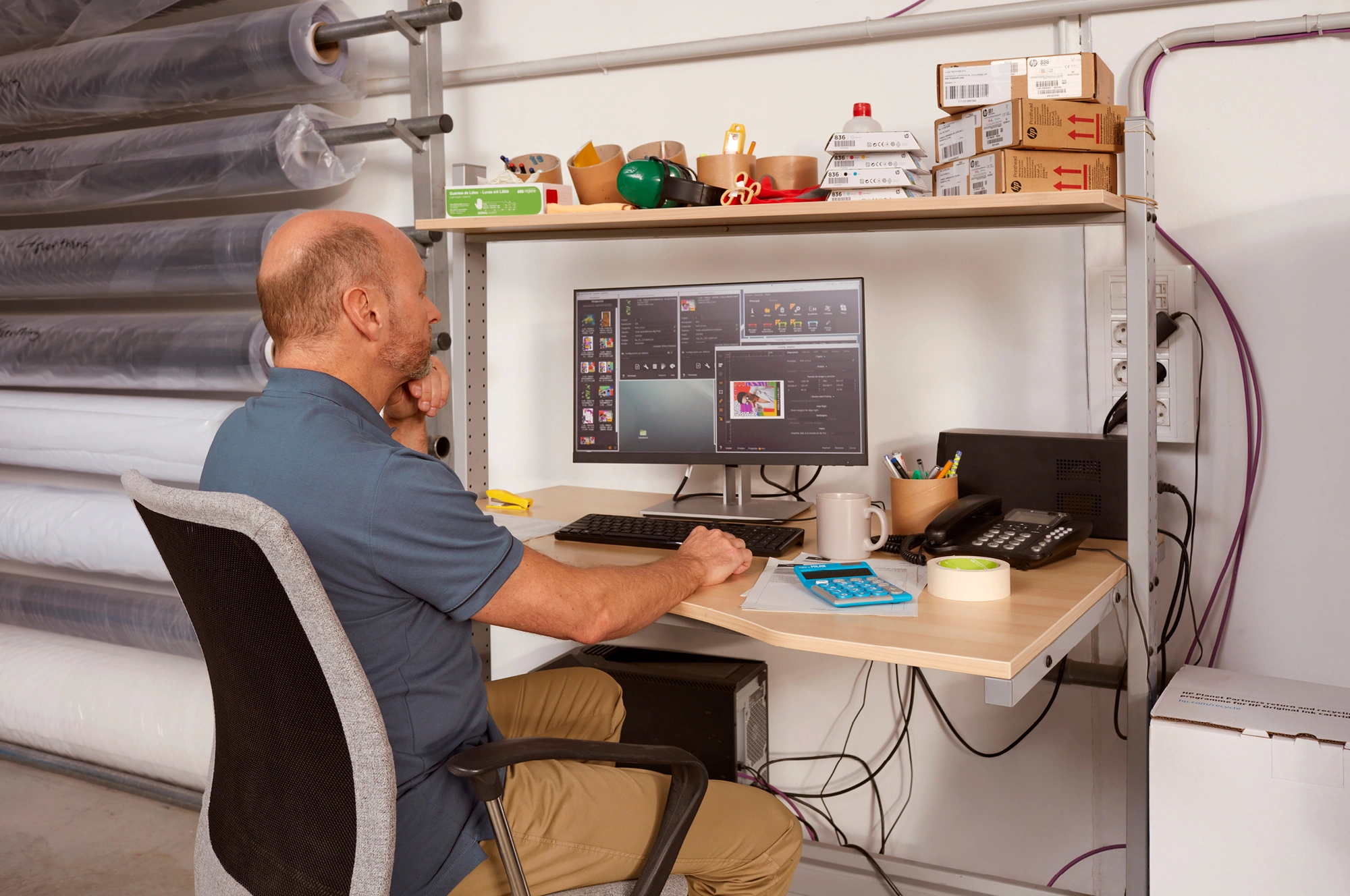
Tip 3: Design with the end-installation in mind

For signage, perspective and distance is key. Choose your lettering size carefully to optimize visibility according to the reading distance. As a rule of thumb, for every 3 meters of viewing distance away from your sign, you should increase the letter height by 2.5 centimeters. <sup>6</sup>
HP Latex helps you print sharp images and text for easier eligibility. With a resolution of up to 1,200 DPI,<sup>7</sup> you can print clear text all the way down to 4-point font sizes.
Tip 4: Choose white ink–for prints that pop!
HP Latex White Ink gives you all the benefits of white without the complexity. HP Latex printers with white ink, such as the HP Latex 700 W, 800 W, or HP Latex R-series, feature automatic recirculation to prevent clogging. Additionally, they’re built with an offline rotation chamber for white printhead storage, to minimize waste between white ink jobs.
Tip 5: Select the right print profile
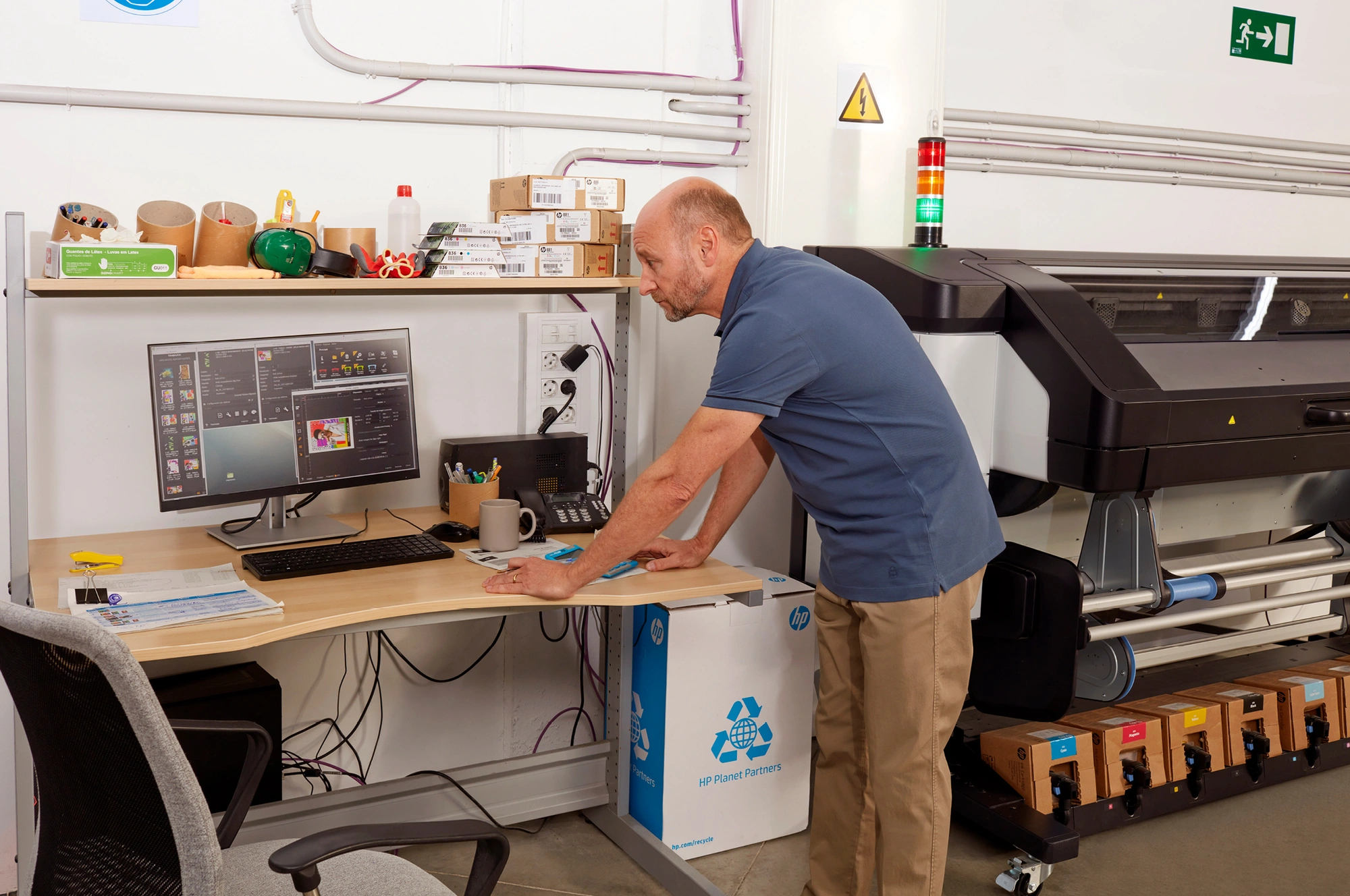
A lot of print shops don’t follow this important step and use one generic profile for all their media, resulting in images that appear dull or just not quite right. So, by making sure to select the right print profile, you’ll definitely win on quality.
Since you’ll most likely laminate your vehicle wrapping prints, remember to disable the overcoat when selecting your profile.
Don’t forget–the latest generation of HP Latex also gives you a 10% higher color gamut, giving you vibrant and accurate colors on any substrate.<sup>9</sup>
Tip 6: Move into lamination
Tip 7: Eliminate the need to de-gas

Tip 8: Start your installation squeaky clean
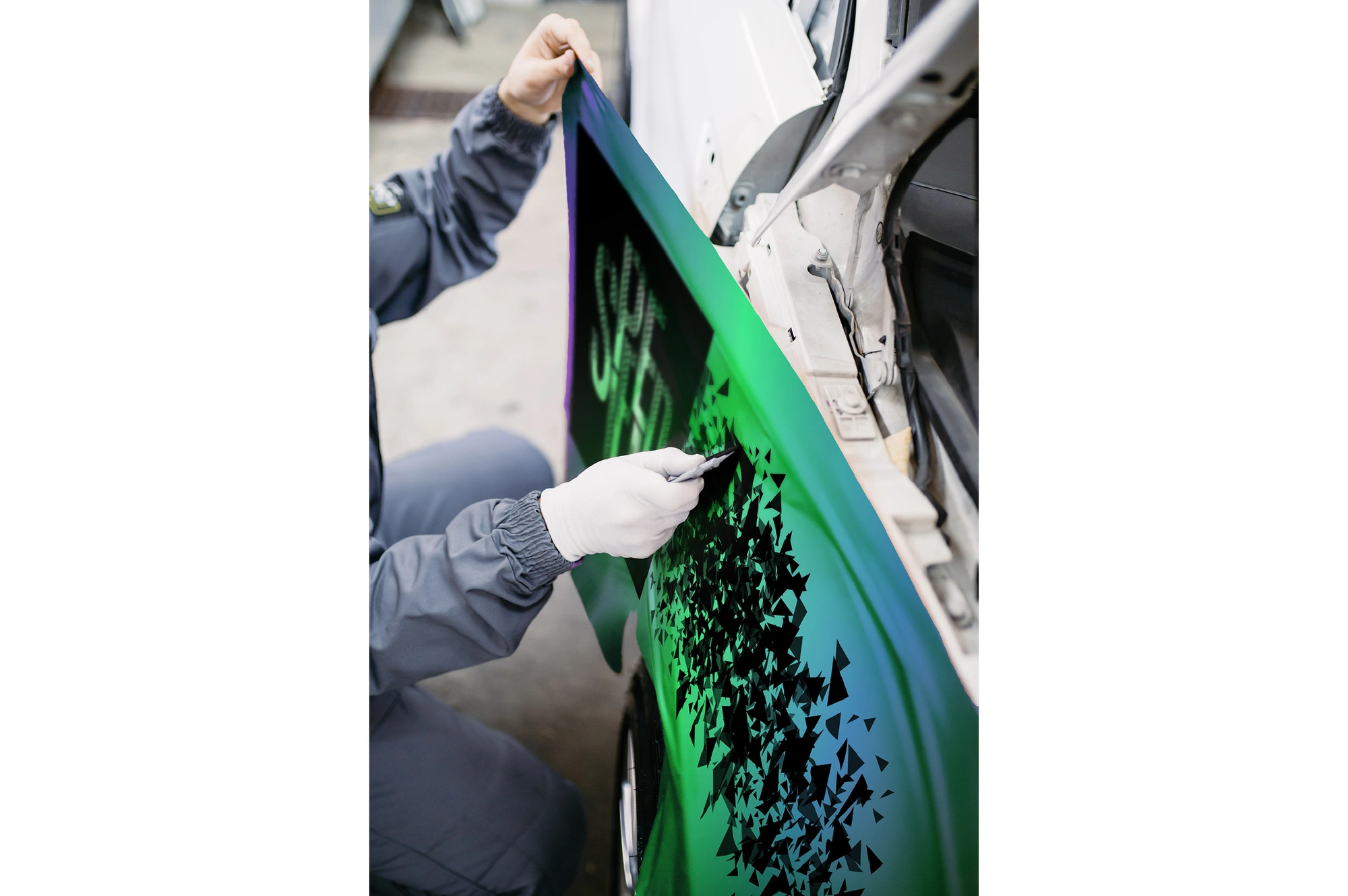
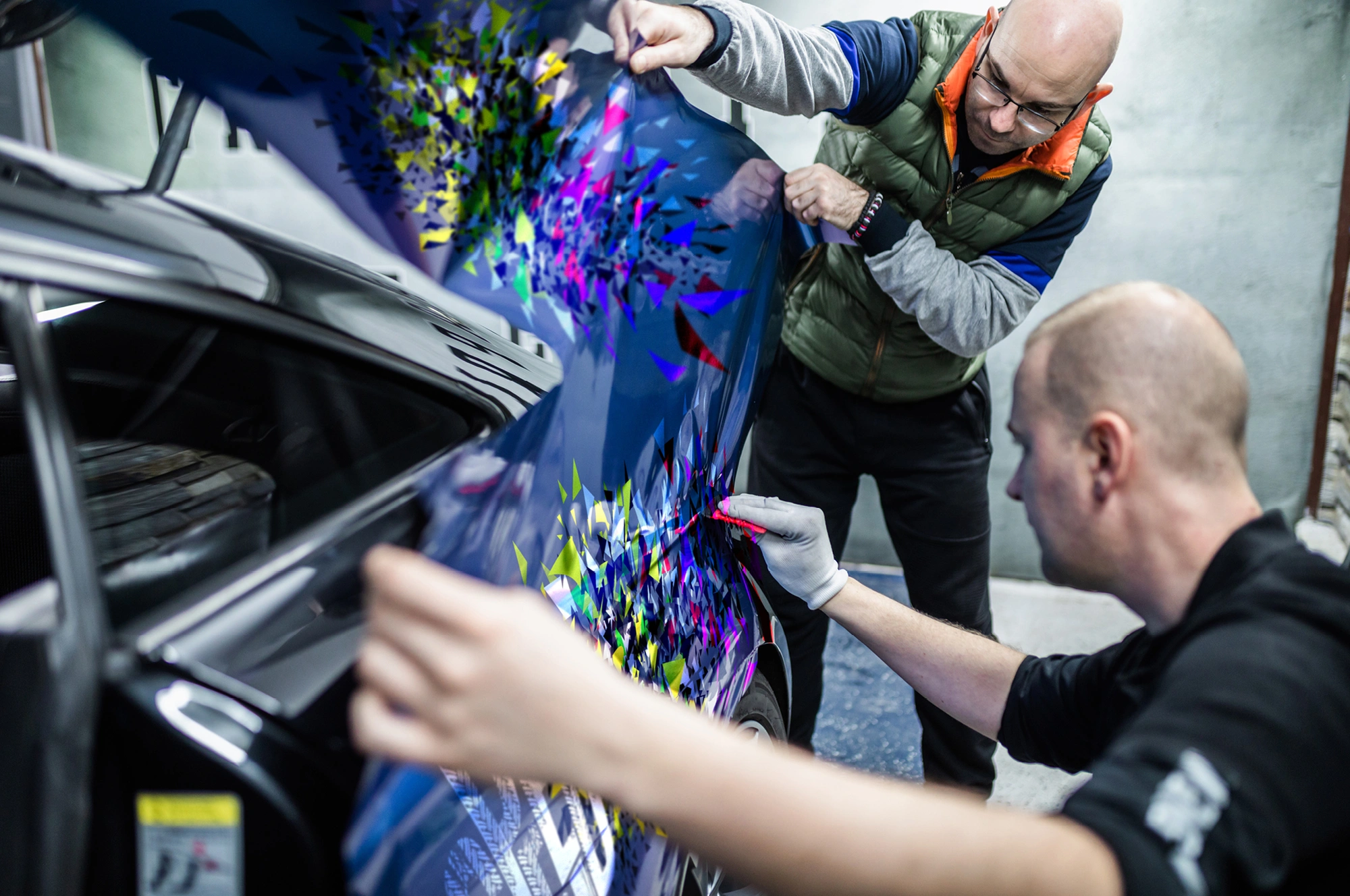
Tip 9: Apply graphics with ease
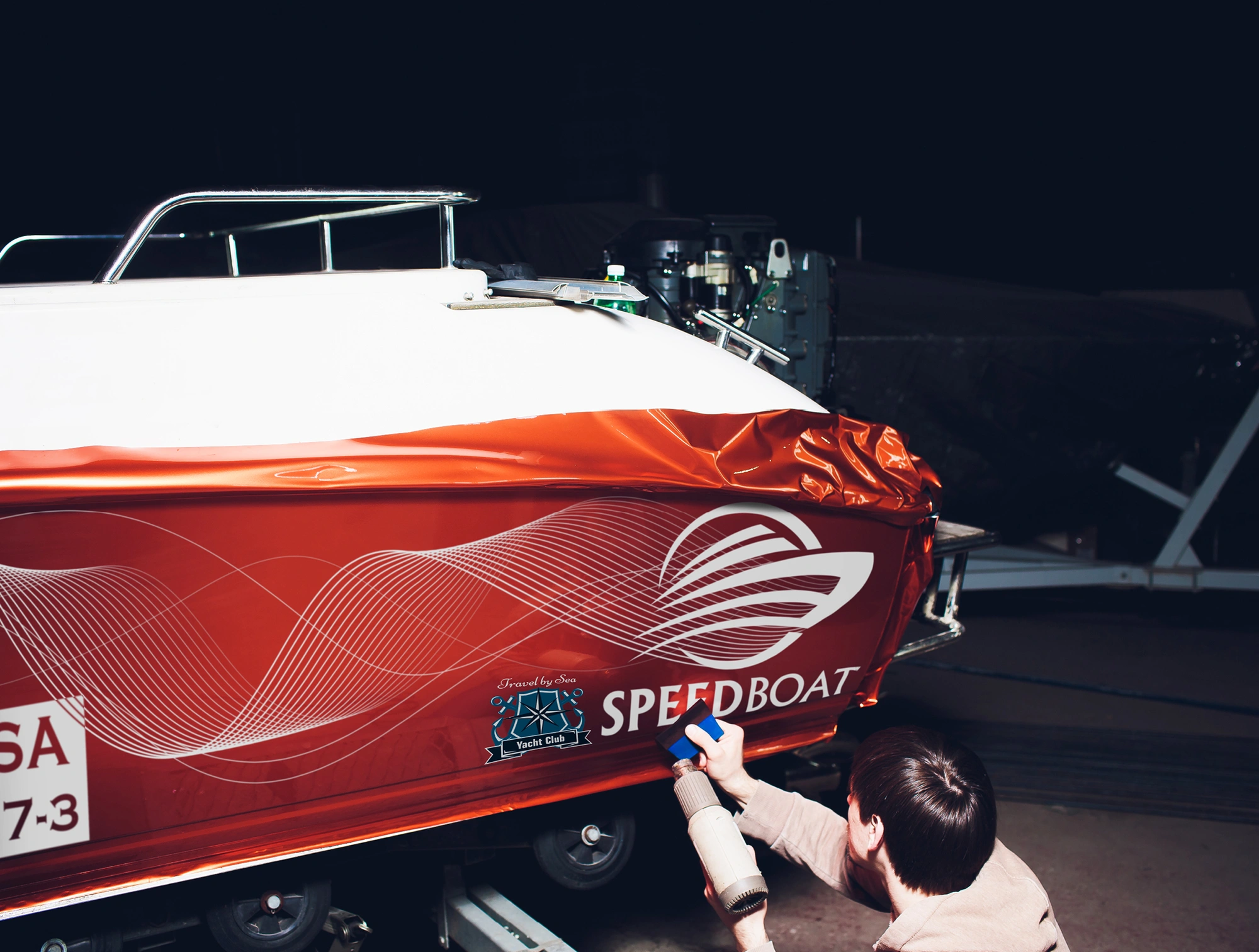
If you are wrapping in colder weather, keep the car inside until the next day. This will allow the vehicle and vinyl to cool down gradually to minimize the risk of lifting.
With the HP Latex 700 and 800 printers, you can achieve 30% better adhesion to laminate, <sup>10</sup> making it easier than ever to get smooth, long-lasting fits. What’s more, HP Latex Inks are very flexible.
Discover ink elongations up to 30% without losing quality.<sup>11</sup>
What are you waiting for?
Signage and car wrapping undoubtedly offer a range of exciting possibilities for entrepreneurial print businesses to explore. There are certainly some tricks of the trade to learn upfront, but once proficient, you’ll be able to offer a wide portfolio of services that will ensure your customers will never need to go elsewhere.
Remember, you’re not alone on the journey. Printer manufacturers and media vendors are always on hand to help, and you’ll find online tutorials and videos to help with any questions along the way.

1.- Grand View Research, Automotive Wrap Films Market Size Report 2021-2028, https://www.grandviewresearch.com/industry-analysis/automotive-wrap-film-market
2.- Insider Intelligence, Ecommerce Industry Statistics, https://www.insiderintelligence.com/insights/ecommerce-industry-statistics/
3.- Statista, 2016 https://www.statista.com/topics/5771/out-of-home-advertising-uk/#topicHeader__wrapper
4.- Warranty coverage varies by region, please see graphics.averydennison.com and 3Mgraphics.com for information about what is offered in your country. Some warranty limitations may apply.
5.- Simply Psychology, Short-Term Memory: Facts, Types, Duration, and Capacity,
https://www.simplypsychology.org/short-term-memory.html
6.- Signs.com, Signage 101 – Letter Height Visibility, https://www.signs.com/blog/signage-101-letterheight-visibility/ https://www.signs.com/blog/signage-101-letter-height-visibility/ - :~:text=Generally%20speaking%2C%20for%20every%2010,at%20least%2015%20inches%20tall.
7.- HP Latex 800 print resolution: up to 1,200 DPI. See the spec sheet for more info:
https://h20195.www2.hp.com/v2/GetDocument.aspx?docname=c06990640
8.- Based on research conducted by Keypoint Intelligence July 2020 and commissioned by HP, across over 100 print service providers across the U.S., Europe, and India
9.- On HP Latex 700 and 800 printers, when compared with same ink density in HP Latex 365/5x0 printers.
HP Latex 700/800 printers provide lower color distance to some Pantone* (average visual color distance 1.99 dE vs 3.34dE): Blue (Pantone 289C): 1.3dE vs 3dE, Red (Pantone 201C): 0.49dE vs 3.8dE, Orange (Pantone 153C): 1.6dE vs 3dE. *Measured Xrite i1Pro 2, dE calculated based on the CIEDE2000 standard L500 (10p: 151 sqft/h 110% saturation) vs. L700/800 (8p: 183-215 sqft/h 120% saturation)
10.- Compared to HP Latex 365/5x0 series printers.
11.- HP Latex 365/5x0 and 700/800 Printers inks show similar ink flexibility performance. We can support ink elongations up to 30% (2dE criteria). In case of HP Latex 700/800 printers, white ink has similar flexibility as the other colors.
You Might Also Like
Say yes to big opportunities and bigger margins

How to support employee wellbeing in the print industry
What to consider to print sustainably

How HP PrintOS helped Benson stay agile
HP Latex Print and Cut Plus Solutions spotlight: Level-up your print operations

The 10 dos and don’ts of wayfinding floor signage
Everything you need to know About HP Latex Inks

แนวโน้มการประยุกต์ใช้งานพิมพ์หน้า กว้าง 4 ประการที่คุณต้องรู้
หากคุณจะเลือกซื้อเครื่องพิมพ์หน้ากว้าง ให้สอบถามรายละเอียดเกี่ยวกับตลับหมึกพิมพ์เสมอ
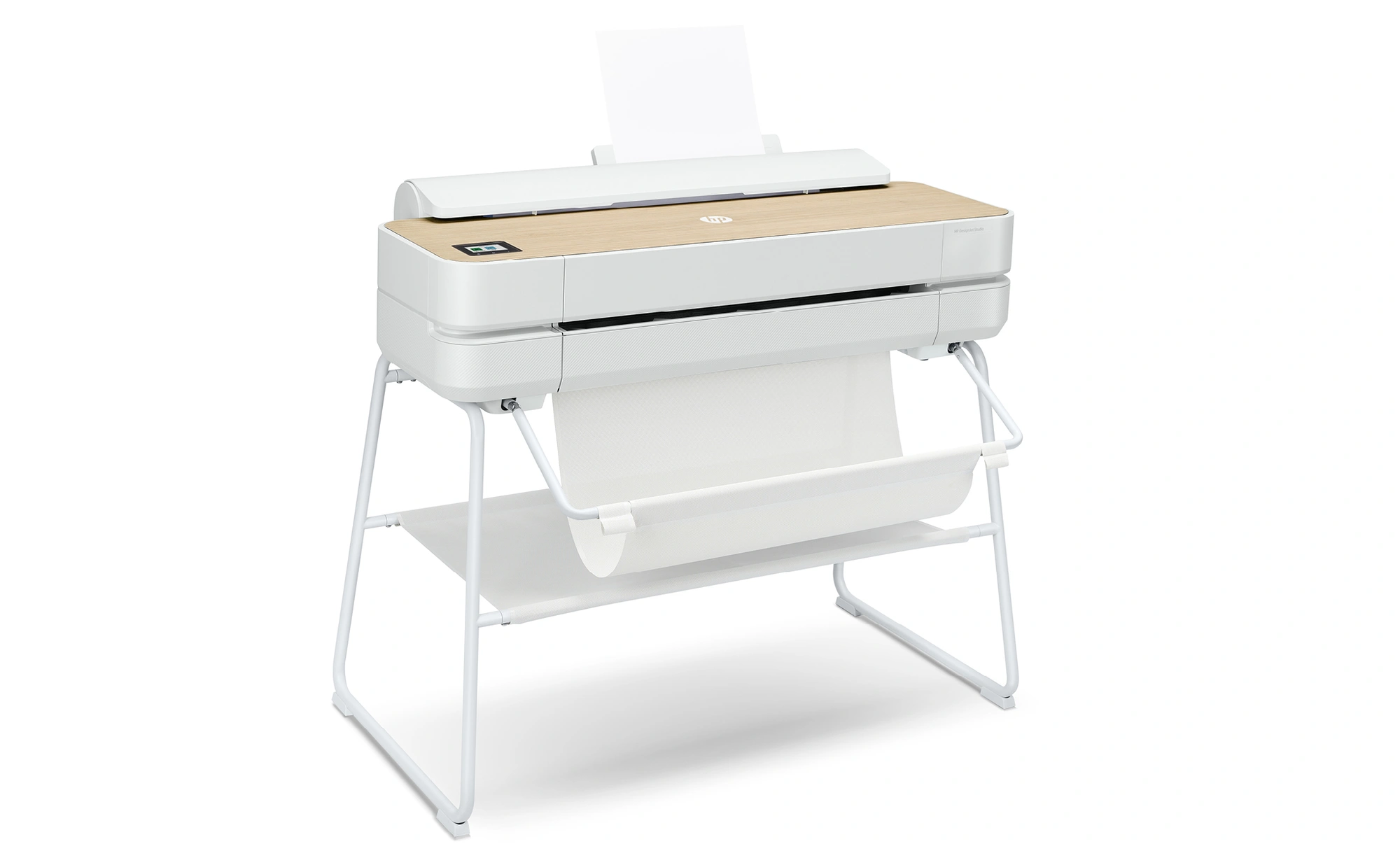
Key features to look for when buying a 24-inch printer plotter

ยกระดับของห่วงโซ่คุณค่าไปกับเครื่องพิมพ์ลาเท็กซ์รุ่นใหม่
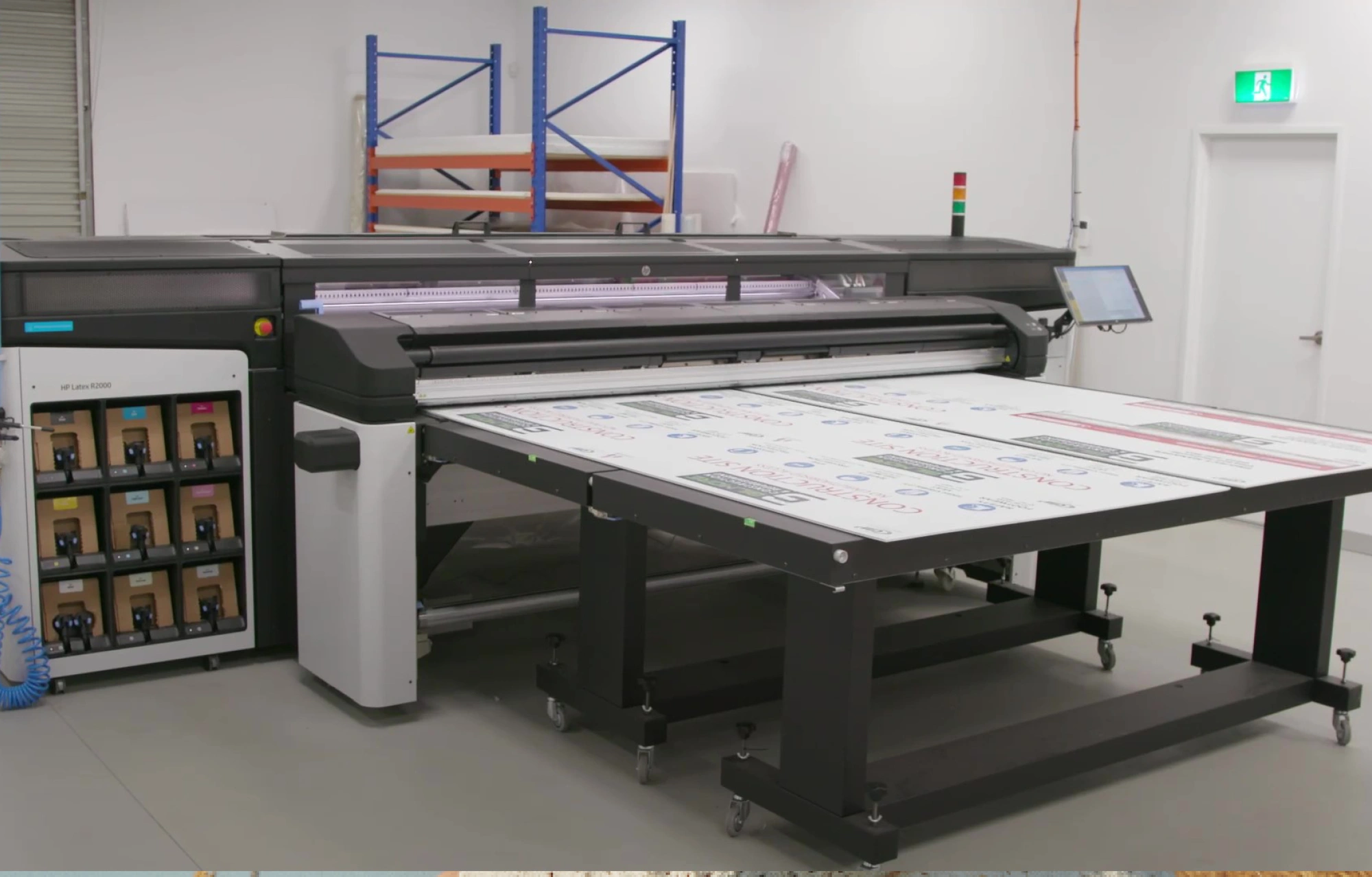
How Big Image Australia added versatility with HP Latex to inspire a new period of growth
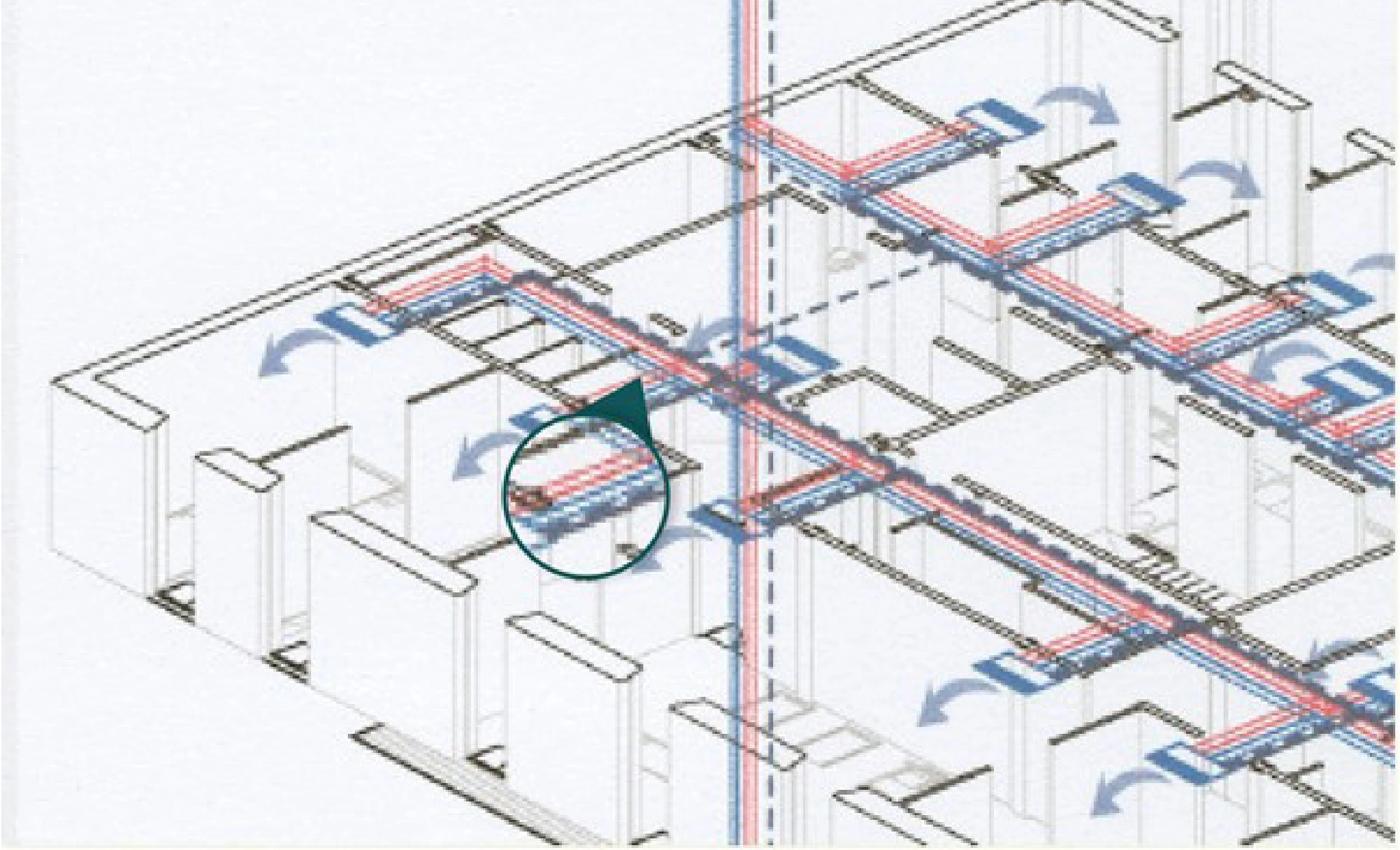
การควบคุมความแม่นยำสำหรับการพิมพ์แบบแปลนขนาดใหญ่

หมึกพิมพ์สีขาวช่วยให้คุณผลิตงานพิมพ์ที่ให้ผลกำไรสูงขึ้น
Everything you need to know About HP Latex Inks

Keeping up with a fast-moving retail market in vinyl graphics printing
Everything you need to know About HP Latex Inks
การทํางานร่วมกันอย่างยืดหยุ่น

การทํางานจากระยะไกลอย่างราบรื่น
Everything you need to know About HP Latex Inks
เลือกประเทศ/ภูมิภาคและภาษาของคุณ
ปิดกล่องเลือกประเทศ/ภูมิภาค
สำหรับกลุ่มประเทศยุโรปตะวันออก ตะวันออกกลาง และแอฟริกา
- Africa
- Afrique
- België
- Belgique
- Česká republika
- Danmark
- Deutschland
- Eesti
- España
- France
- Hrvatska
- Ireland
- Italia
- Latvija
- Lietuva
- Magyarország
- Middle East
- Nederland
- Nigeria
- Norge
- Österreich
- Polska
- Portugal
- România
- Saudi Arabia
- Slovenija
- Slovensko
- South Africa
- Suisse
- Suomi
- Sverige
- Switzerland
- Türkiye
- United Kingdom
- Ελλάδα
- България
- Казахстан
- Србија
- Україна
- ישראל
- الشرق الأوسط
- المملكة العربية السعودية
ประเทศ/ภูมิภาค :
ปิดตัวเลือกประเทศ/ภูมิภาค
ที่เลือกไทย
popUpSRBeginingLabelString
HP ในทุกมุมโลก
เลือกประเทศ/ภูมิภาคและภาษาของคุณ
คลิกหรือใช้ปุ่มเลื่อนระยะ (Tab Key) เพื่อเลือกประเทศของคุณ
ปิดกล่องเลือกประเทศ/ภูมิภาค
- Africa
- Afrique
- América Central
- Argentina
- Asia Pacific
- Australia
- Bangladesh
- België
- Belgique
- Bolivia
- Brasil
- Canada
- Canada - Français
- Caribbean
- Česká republika
- Chile
- Colombia
- Danmark
- Deutschland
- Ecuador
- Eesti
- España
- France
- Hong Kong SAR
- Hrvatska
- India
- Indonesia
- Ireland
- Italia
- Latvija
- Lietuva
- Magyarország
- Malaysia
- México
- Middle East
- Nederland
- New Zealand
- Nigeria
- Norge
- Österreich
- Pakistan
- Paraguay
- Perú
- Philippines
- Polska
- Portugal
- Puerto Rico
- România
- Saudi Arabia
- Singapore
- Slovenija
- Slovensko
- South Africa
- Sri Lanka
- Suisse
- Suomi
- Sverige
- Switzerland
- Türkiye
- United Kingdom
- United States
- Uruguay
- Venezuela
- Việt Nam
- Ελλάδα
- България
- Казахстан
- Србија
- Україна
- ישראל
- الشرق الأوسط
- المملكة العربية السعودية
- ไทย
- 中华人民共和国
- 臺灣 地區
- 日本
- 香港特別行政區
- 한국
- การเรียกคืนสินค้า |
- การรีไซเคิลผลิตภัณฑ์ |
- การเข้าใช้งาน |
- ความเป็นส่วนตัว |
- เงื่อนไขการใช้งาน |
- การรับประกันแบบจำกัด และบริการช่วยเหลือทางเทคนิคของ HP |
- คุกกี้และตัวเลือกโฆษณา |
©2025 HP Development Company, L.P. ข้อมูลที่ปรากฏอยู่ ณ ที่นี้อาจมีการเปลี่ยนแปลงได้โดยไม่ต้องแจ้งให้ทราบ